

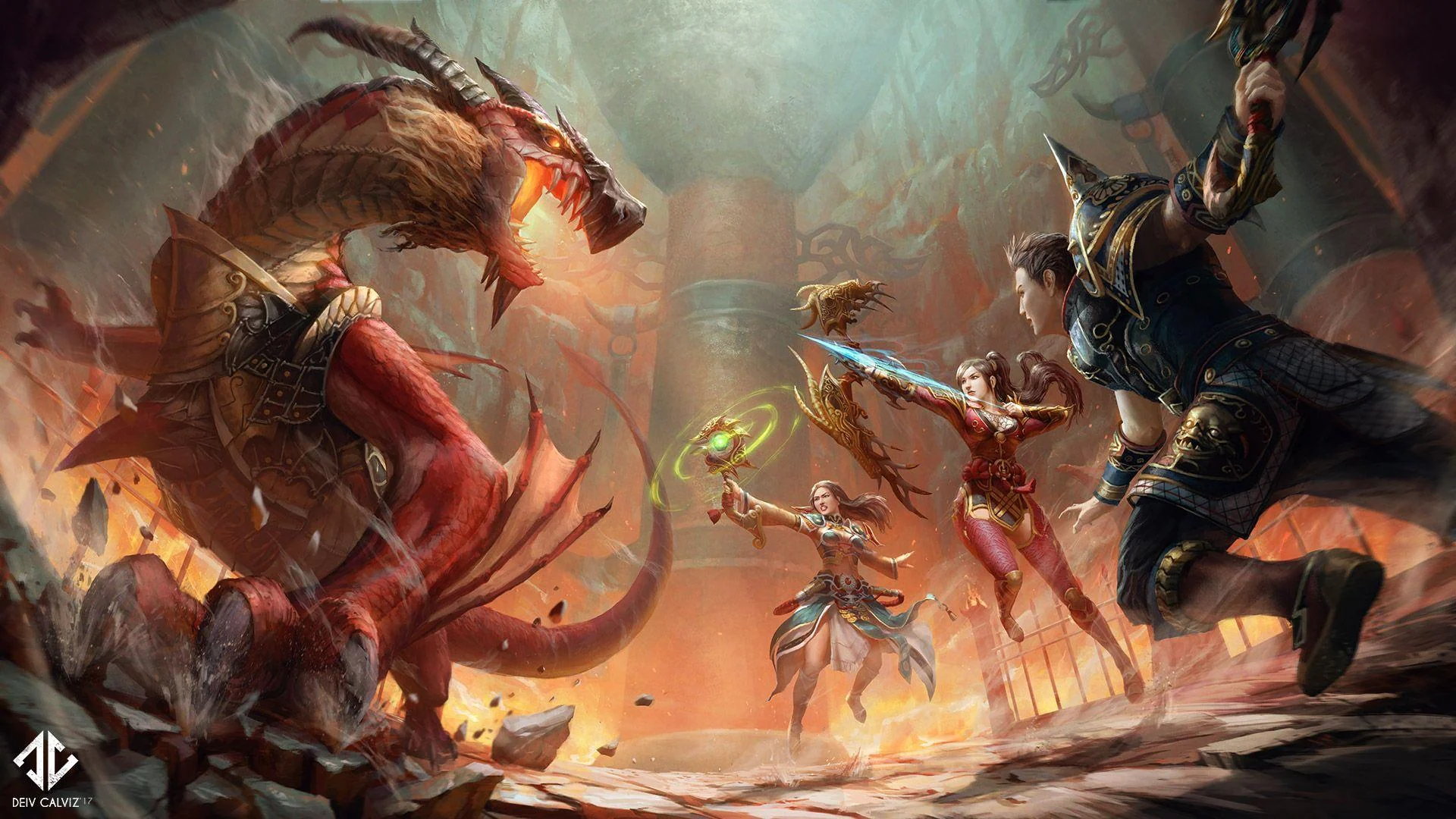
Discover Ashfall
From your first weapon to your next dungeon. Explore the world, systems and adventures waiting for you in Ashfall.
- Level 120
- Medium rates
- PvM & PvP
- Open testing

Select the image to open it at full size.
Explore every chapter
Choose a topic to read its illustrated page.
Your adventures begin here!
 The world of Ashfall
 Skills & character growth
 Quests & lasting rewards
 Equipment & combat choices
 Bonuses & the Switcher
 Dragon Soul & energy
 Aura & shoulder sashes
 Horses & outdoor travel
 Mounts & flight
 Pets & Buffi
 Costumes, wings & Shining
 Inventory & everyday tools
 Trading & crafting
 Mail & the Item Shop
 Daily rewards & activities
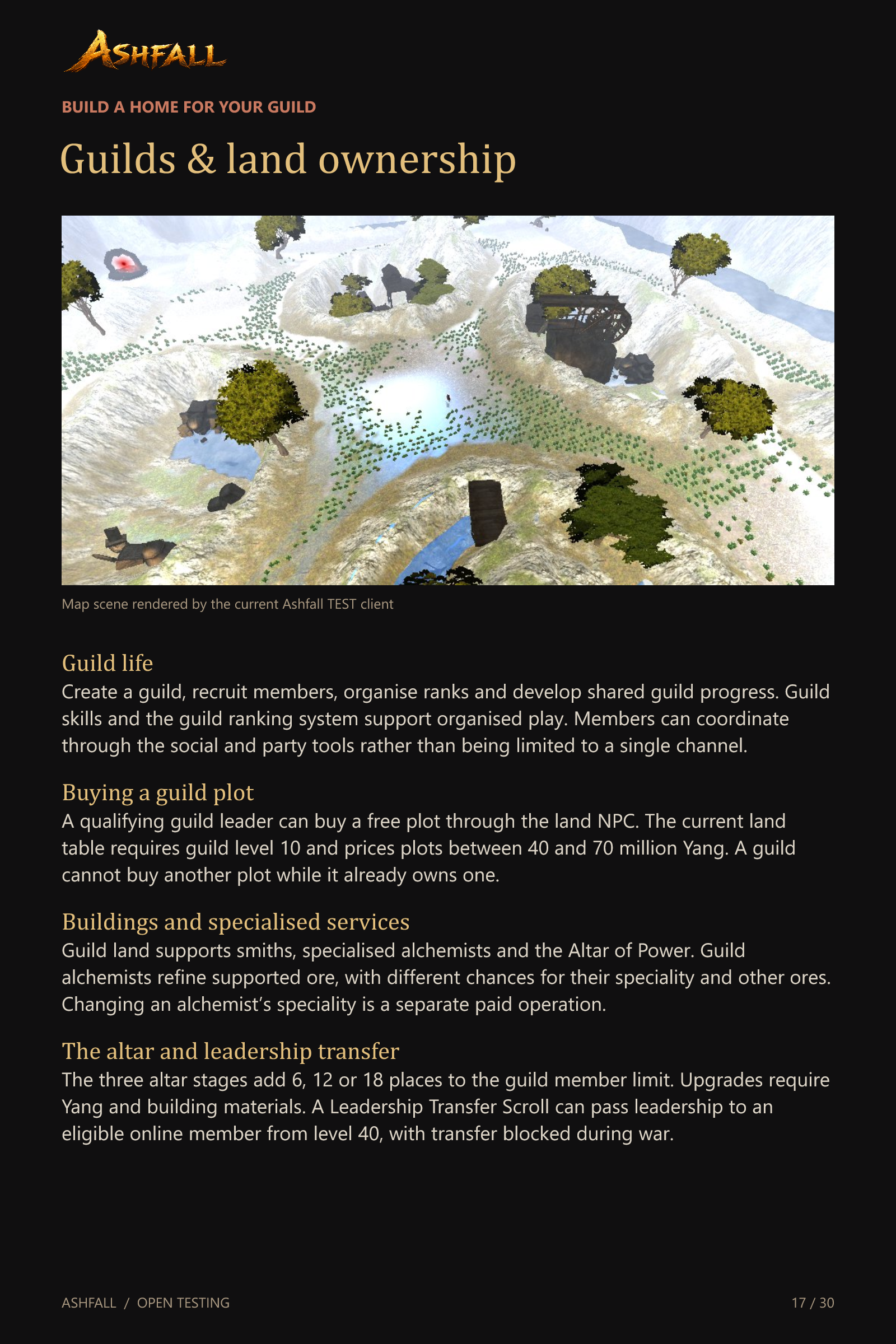 Guilds & land ownership
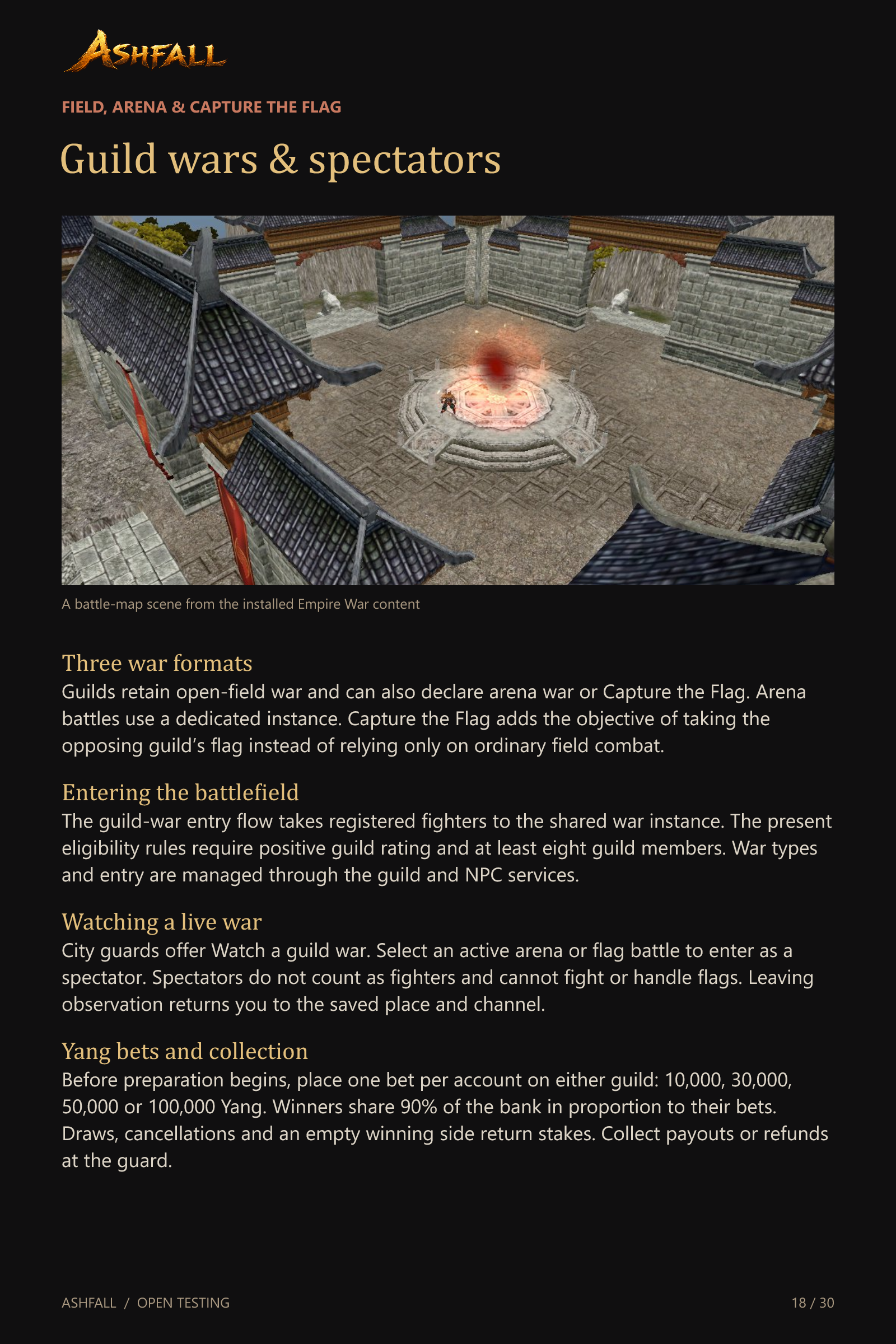 Guild wars & spectators
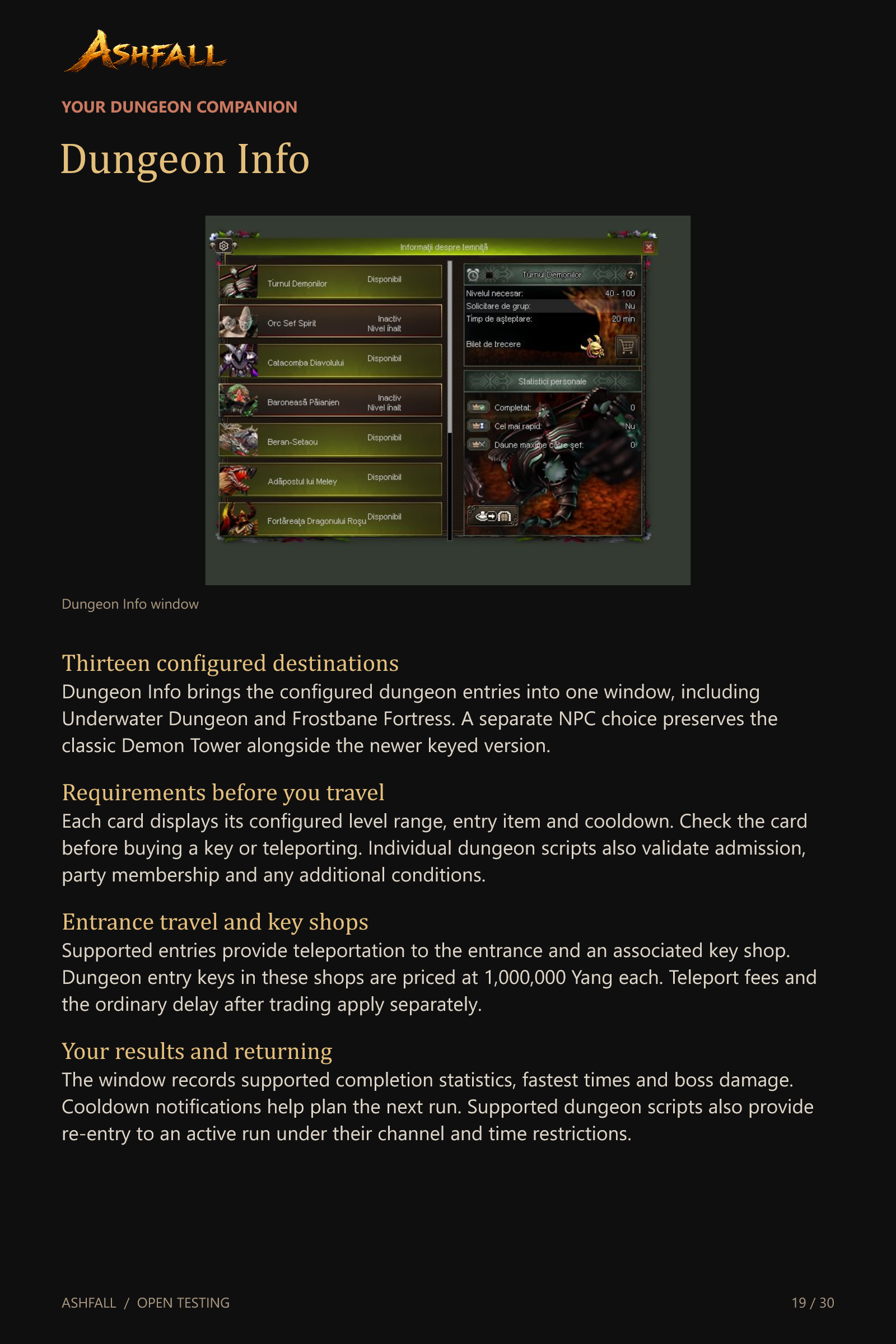 Dungeon Info
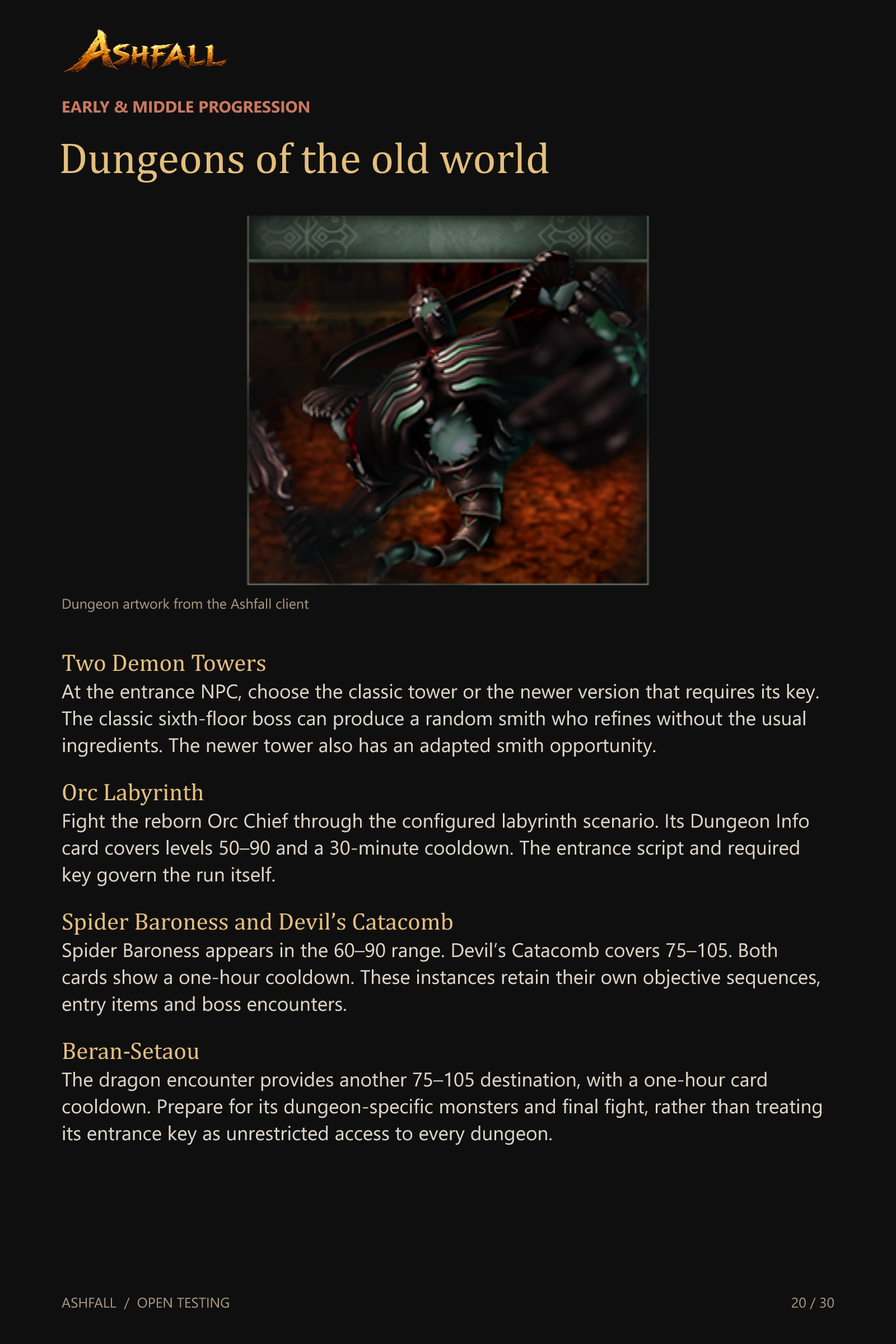 Dungeons of the old world
 Elemental & high-level dungeons
 Underwater Dungeon
 Frostbane Fortress
 The open world
 Events & competitive activities
 A renewed Metin2 world
 Community & staying connected
 More tools for everyday play
 Systems behind the scenes
 Join the open test
Take Ashfall with you
Save the complete presentation or download the original pages and forum strips.
English edition. The ZIP includes 30 individual pages, five forum strips and the text guide.
The systems guide
Prefer reading? Open a chapter below for its full description.
Your adventures begin here!
OPEN TESTING
Level 120 cap. Medium-rate progression. PvM adventures and competitive PvP. Four channels and a growing international community.
A complete guide to Ashfall
Discover the classic Metin2 foundations and the systems added to this build. This presentation explains progression, equipment, companions, trading, guilds, dungeons, events and everyday tools.
Join Ashfall
ashfall-metin2.com
discord.gg/Bg8m46mYv
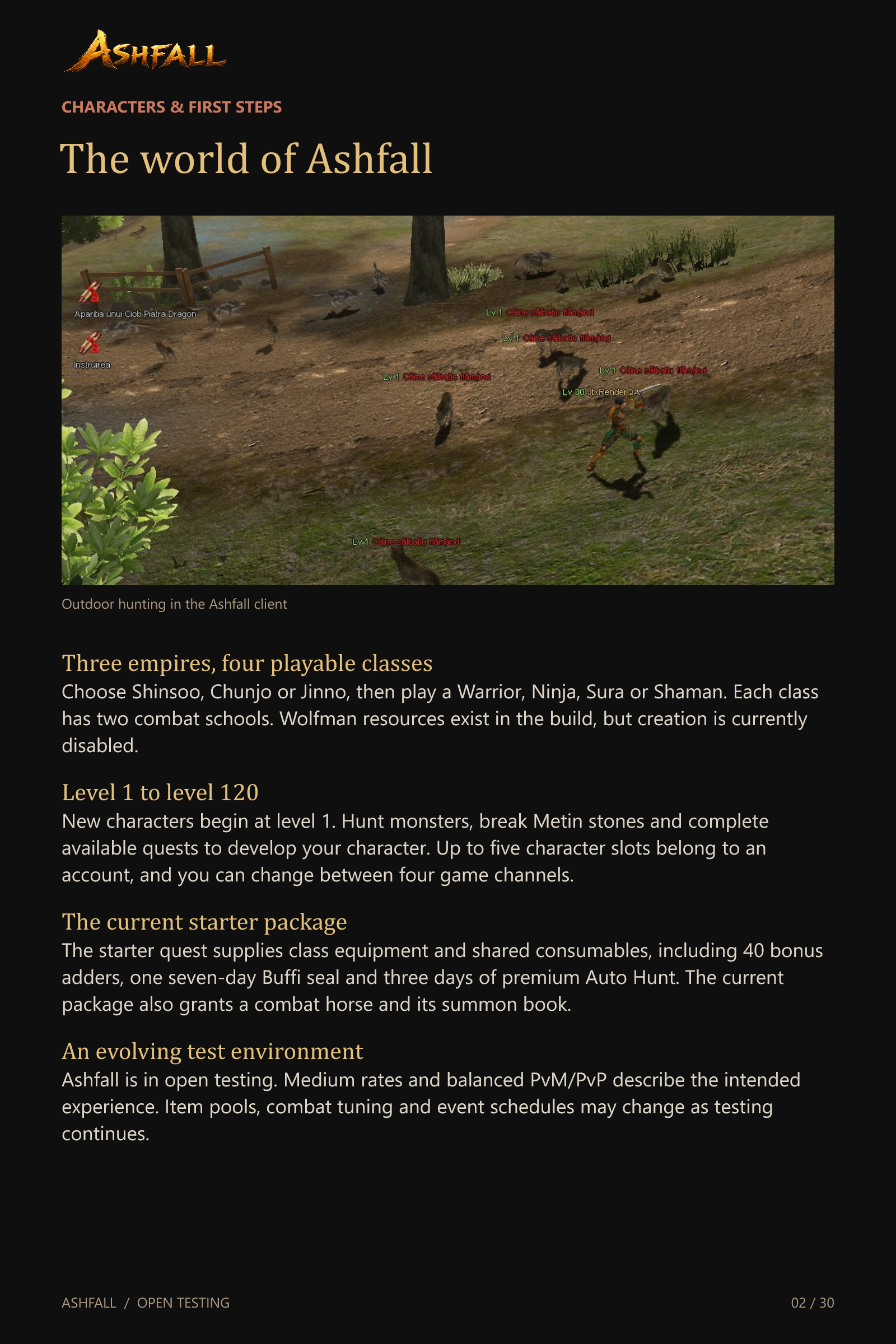
The world of Ashfall
Three empires, four playable classes
Choose Shinsoo, Chunjo or Jinno, then play a Warrior, Ninja, Sura or Shaman. Each class has two combat schools. Wolfman resources exist in the build, but creation is currently disabled.
Level 1 to level 120
New characters begin at level 1. Hunt monsters, break Metin stones and complete available quests to develop your character. Up to five character slots belong to an account, and you can change between four game channels.
The current starter package
The starter quest supplies class equipment and shared consumables, including 40 bonus adders, one seven-day Buffi seal and three days of premium Auto Hunt. The current package also grants a combat horse and its summon book.
An evolving test environment
Ashfall is in open testing. Medium rates and balanced PvM/PvP describe the intended experience. Item pools, combat tuning and event schedules may change as testing continues.
Skills & character growth
Combat schools and Master skills
Choose your school from level 5. Spend skill points on its active abilities, then use the corresponding skill books for Master progression. Reading restrictions and waiting periods remain part of skill development.
Grand Master to Perfect
Ordinary Soul Stones open a list of eligible Grand Master skills. Select the skill and confirm the rank cost before training. A valid attempt consumes one stone. Cancelling or trying during an unexpired reading delay does not consume it.
Support and passive skills
Leadership, Mining, languages, Polymorph and Call Horse appear alongside custom tracks: Professional Hunter, Force of Divine Time, Divine Skill Set and Health of the Gods. Books and advancement rules depend on the skill. The starter quest pre-trains several secondary skills.
Polymorph and skill resets
Polymorph Marbles transform your character into the monster linked to that marble. Polymorph training affects the transformation rather than granting every monster ability. Reset items and the relevant trainers provide supported ways to redistribute stats or change skill development.
Quests & lasting rewards
The Biologist
Collect the research items requested for your current stage and submit them through the Biologist system. Collection objectives, delivery cooldowns and permanent reward choices give your character another route to long-term growth.
Mission Books
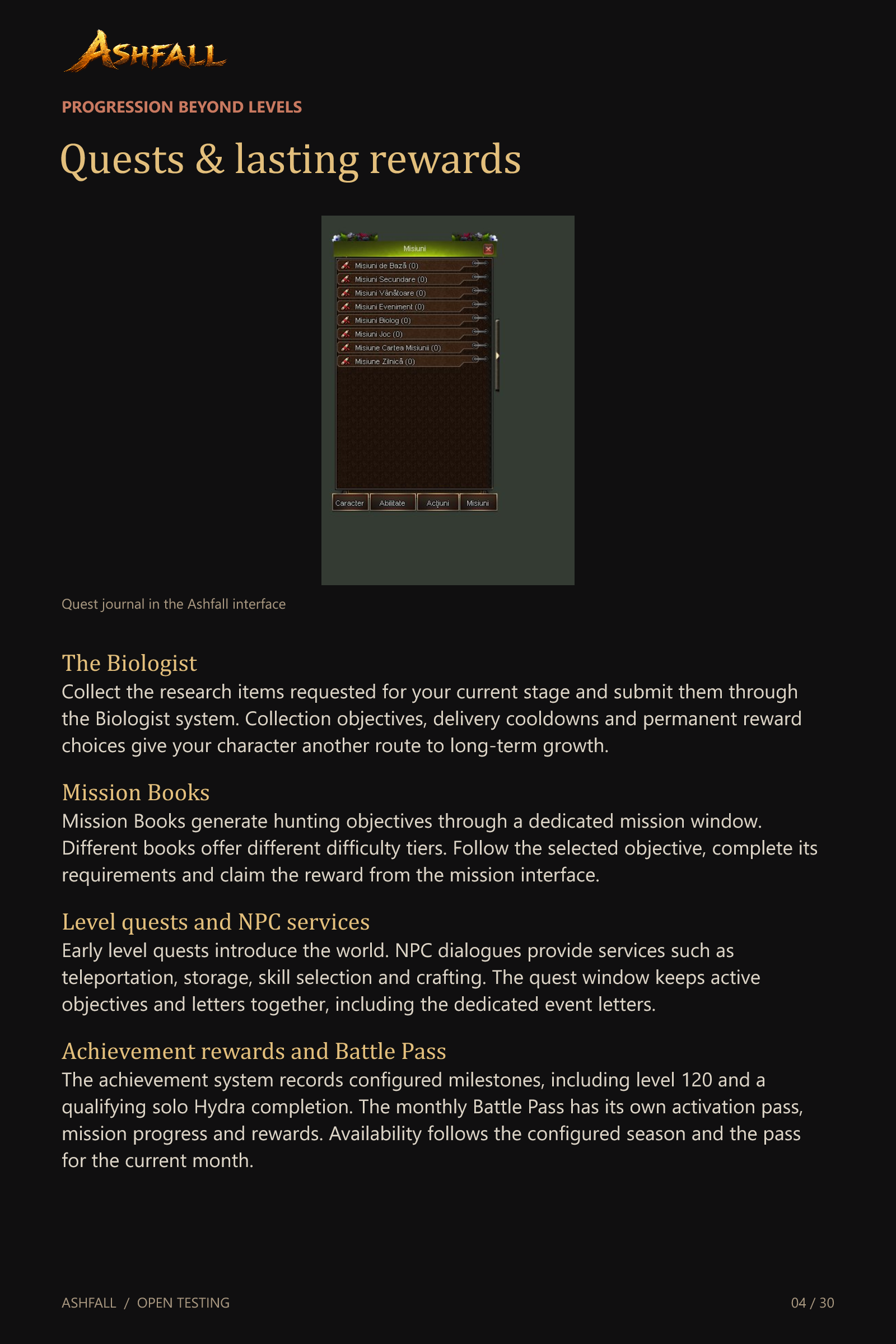
Mission Books generate hunting objectives through a dedicated mission window. Different books offer different difficulty tiers. Follow the selected objective, complete its requirements and claim the reward from the mission interface.
Level quests and NPC services
Early level quests introduce the world. NPC dialogues provide services such as teleportation, storage, skill selection and crafting. The quest window keeps active objectives and letters together, including the dedicated event letters.
Achievement rewards and Battle Pass
The achievement system records configured milestones, including level 120 and a qualifying solo Hydra completion. The monthly Battle Pass has its own activation pass, mission progress and rewards. Availability follows the configured season and the pass for the current month.
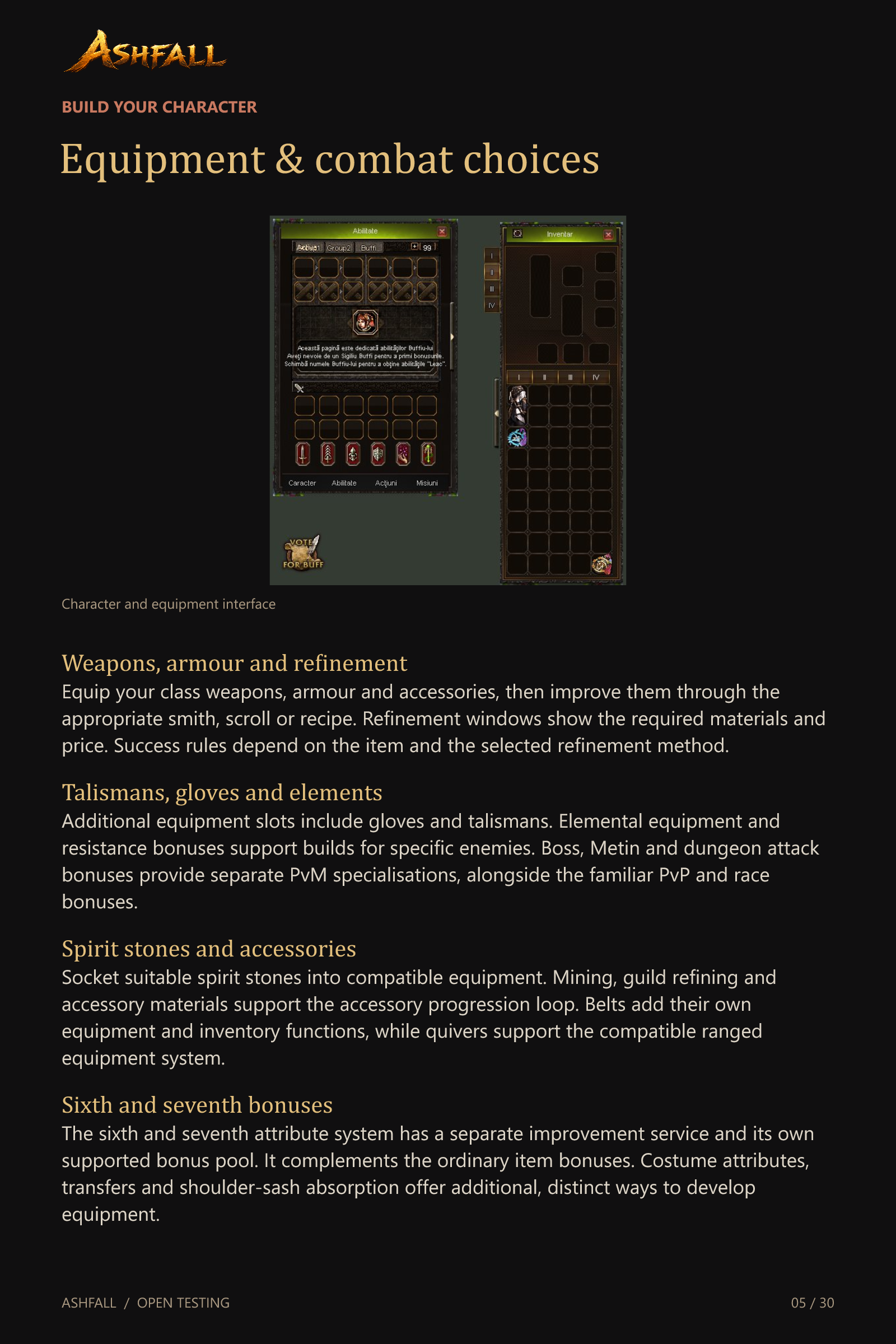
Equipment & combat choices
Weapons, armour and refinement
Equip your class weapons, armour and accessories, then improve them through the appropriate smith, scroll or recipe. Refinement windows show the required materials and price. Success rules depend on the item and the selected refinement method.
Talismans, gloves and elements
Additional equipment slots include gloves and talismans. Elemental equipment and resistance bonuses support builds for specific enemies. Boss, Metin and dungeon attack bonuses provide separate PvM specialisations, alongside the familiar PvP and race bonuses.
Spirit stones and accessories
Socket suitable spirit stones into compatible equipment. Mining, guild refining and accessory materials support the accessory progression loop. Belts add their own equipment and inventory functions, while quivers support the compatible ranged equipment system.
Sixth and seventh bonuses
The sixth and seventh attribute system has a separate improvement service and its own supported bonus pool. It complements the ordinary item bonuses. Costume attributes, transfers and shoulder-sash absorption offer additional, distinct ways to develop equipment.
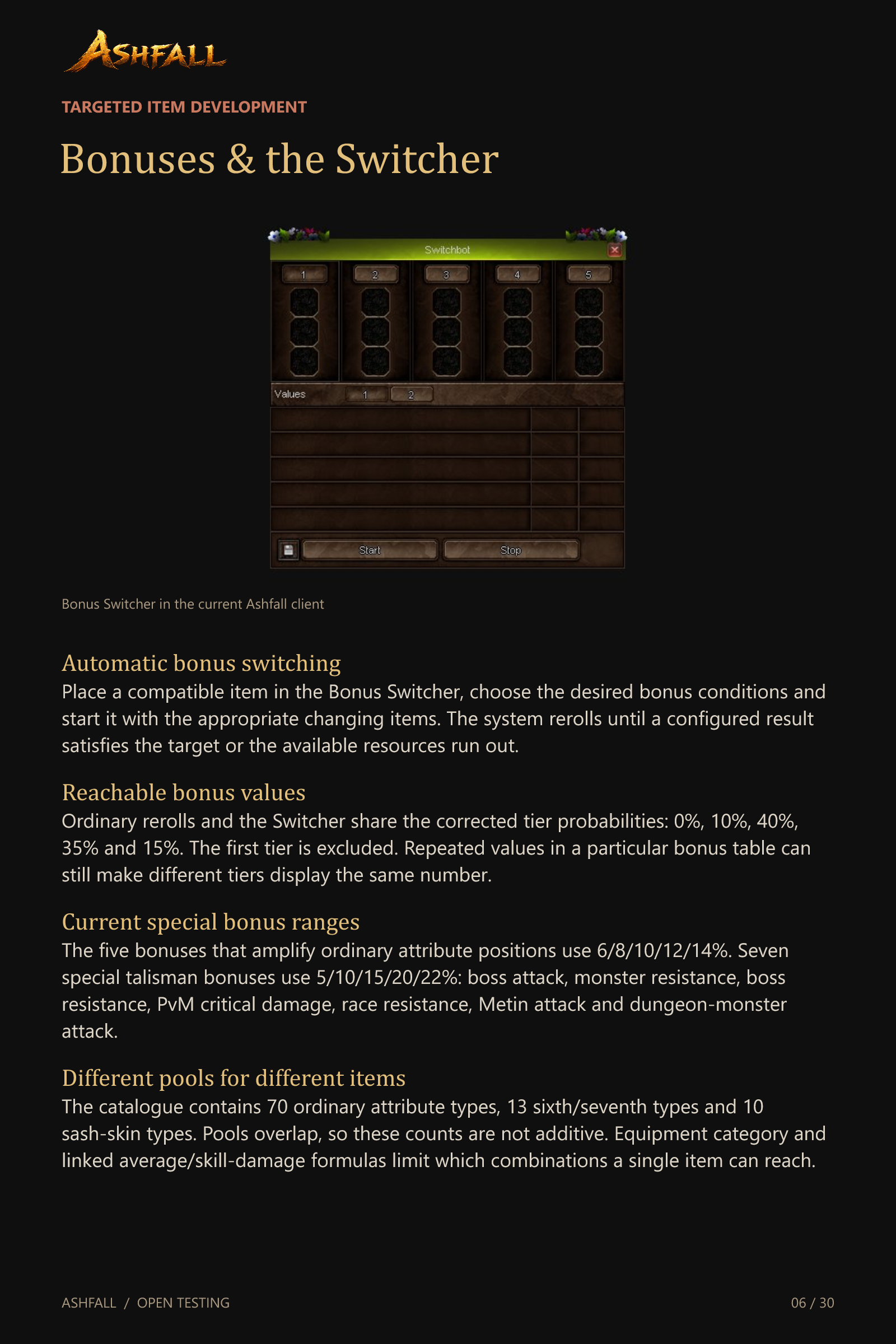
Bonuses & the Switcher
Automatic bonus switching
Place a compatible item in the Bonus Switcher, choose the desired bonus conditions and start it with the appropriate changing items. The system rerolls until a configured result satisfies the target or the available resources run out.
Reachable bonus values
Ordinary rerolls and the Switcher share the corrected tier probabilities: 0%, 10%, 40%, 35% and 15%. The first tier is excluded. Repeated values in a particular bonus table can still make different tiers display the same number.
Current special bonus ranges
The five bonuses that amplify ordinary attribute positions use 6/8/10/12/14%. Seven special talisman bonuses use 5/10/15/20/22%: boss attack, monster resistance, boss resistance, PvM critical damage, race resistance, Metin attack and dungeon-monster attack.
Different pools for different items
The catalogue contains 70 ordinary attribute types, 13 sixth/seventh types and 10 sash-skin types. Pools overlap, so these counts are not additive. Equipment category and linked average/skill-damage formulas limit which combinations a single item can reach.
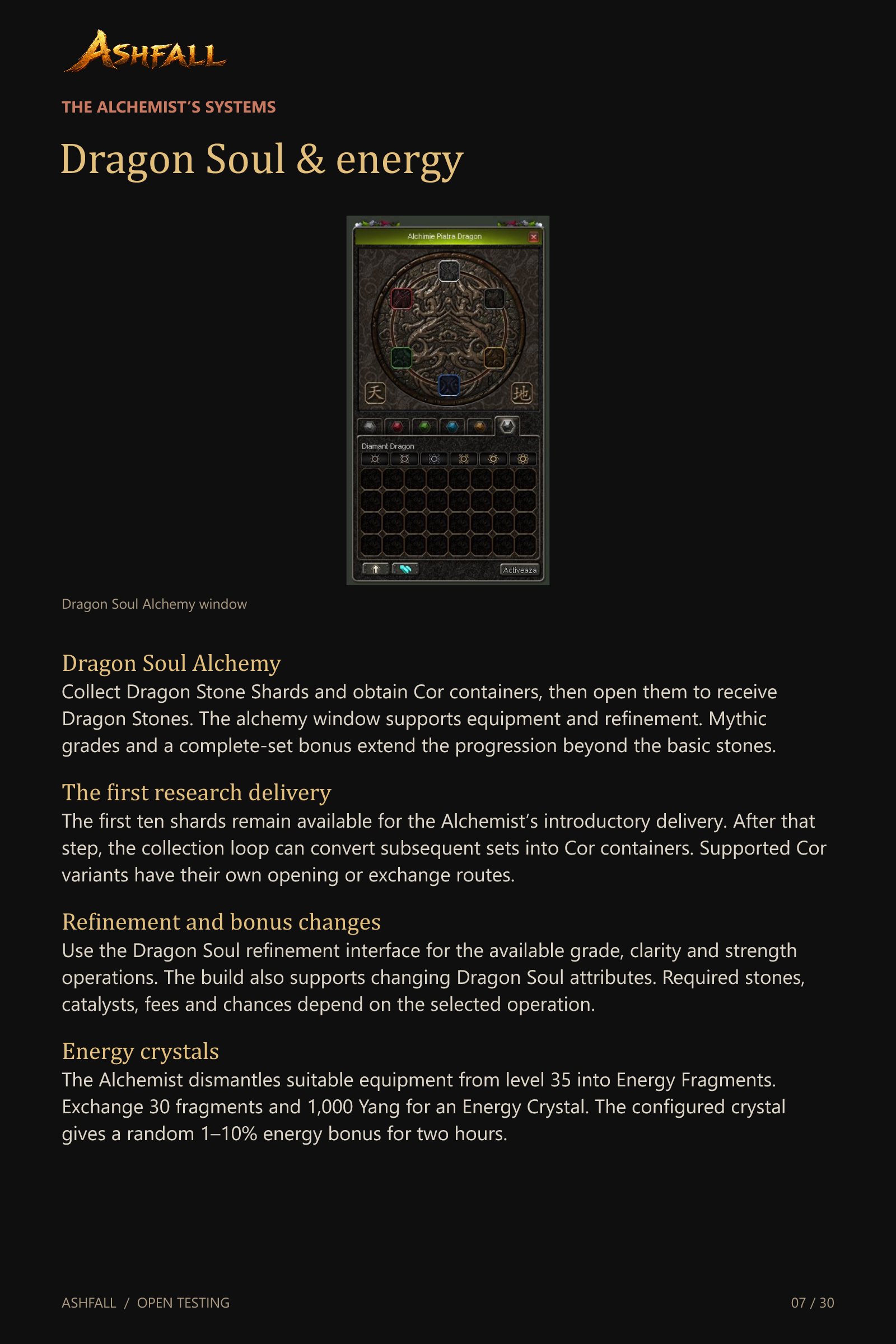
Dragon Soul & energy
Dragon Soul Alchemy
Collect Dragon Stone Shards and obtain Cor containers, then open them to receive Dragon Stones. The alchemy window supports equipment and refinement. Mythic grades and a complete-set bonus extend the progression beyond the basic stones.
The first research delivery
The first ten shards remain available for the Alchemist’s introductory delivery. After that step, the collection loop can convert subsequent sets into Cor containers. Supported Cor variants have their own opening or exchange routes.
Refinement and bonus changes
Use the Dragon Soul refinement interface for the available grade, clarity and strength operations. The build also supports changing Dragon Soul attributes. Required stones, catalysts, fees and chances depend on the selected operation.
Energy crystals
The Alchemist dismantles suitable equipment from level 35 into Energy Fragments. Exchange 30 fragments and 1,000 Yang for an Energy Crystal. The configured crystal gives a random 1–10% energy bonus for two hours.
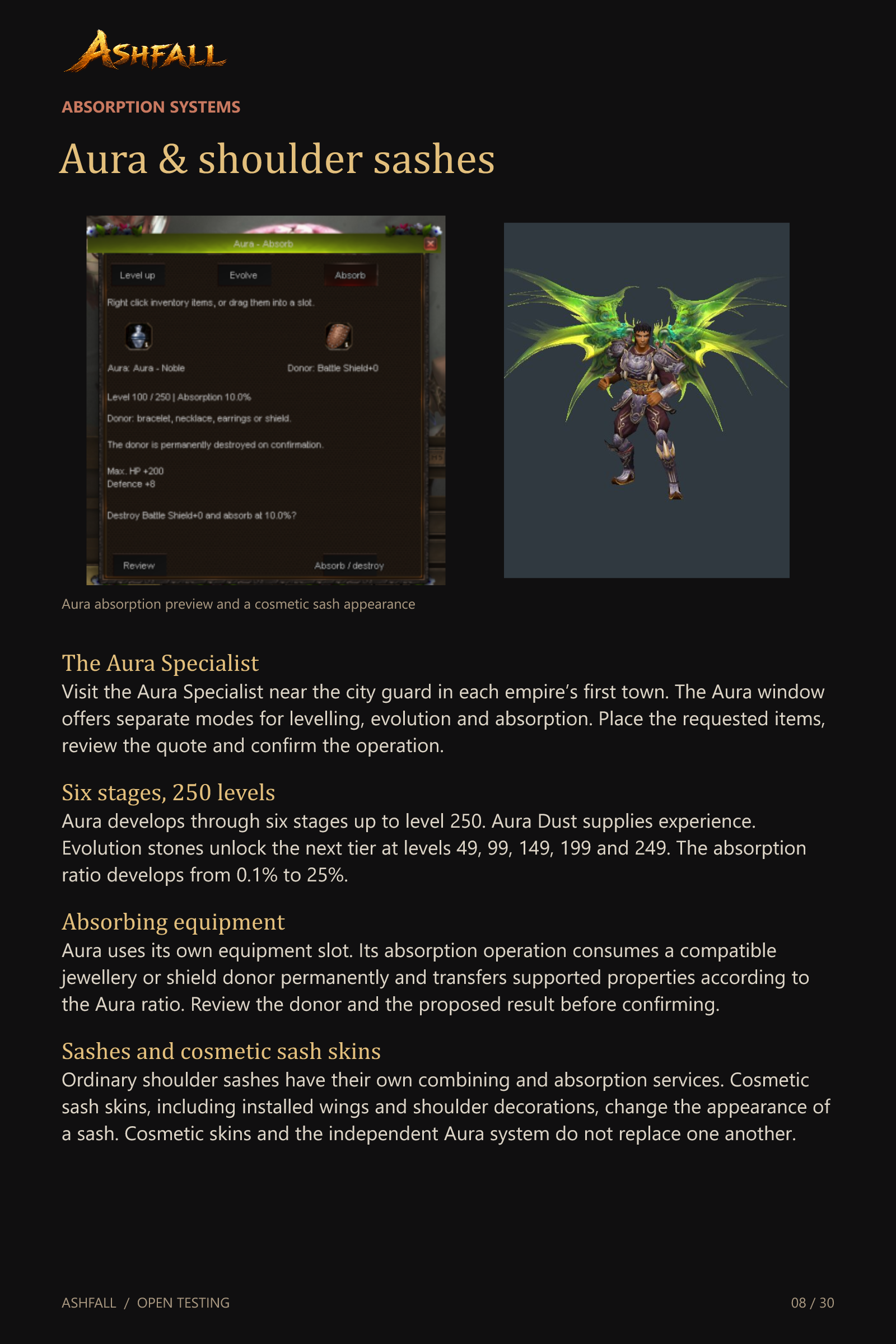
Aura & shoulder sashes
The Aura Specialist
Visit the Aura Specialist near the city guard in each empire’s first town. The Aura window offers separate modes for levelling, evolution and absorption. Place the requested items, review the quote and confirm the operation.
Six stages, 250 levels
Aura develops through six stages up to level 250. Aura Dust supplies experience. Evolution stones unlock the next tier at levels 49, 99, 149, 199 and 249. The absorption ratio develops from 0.1% to 25%.
Absorbing equipment
Aura uses its own equipment slot. Its absorption operation consumes a compatible jewellery or shield donor permanently and transfers supported properties according to the Aura ratio. Review the donor and the proposed result before confirming.
Sashes and cosmetic sash skins
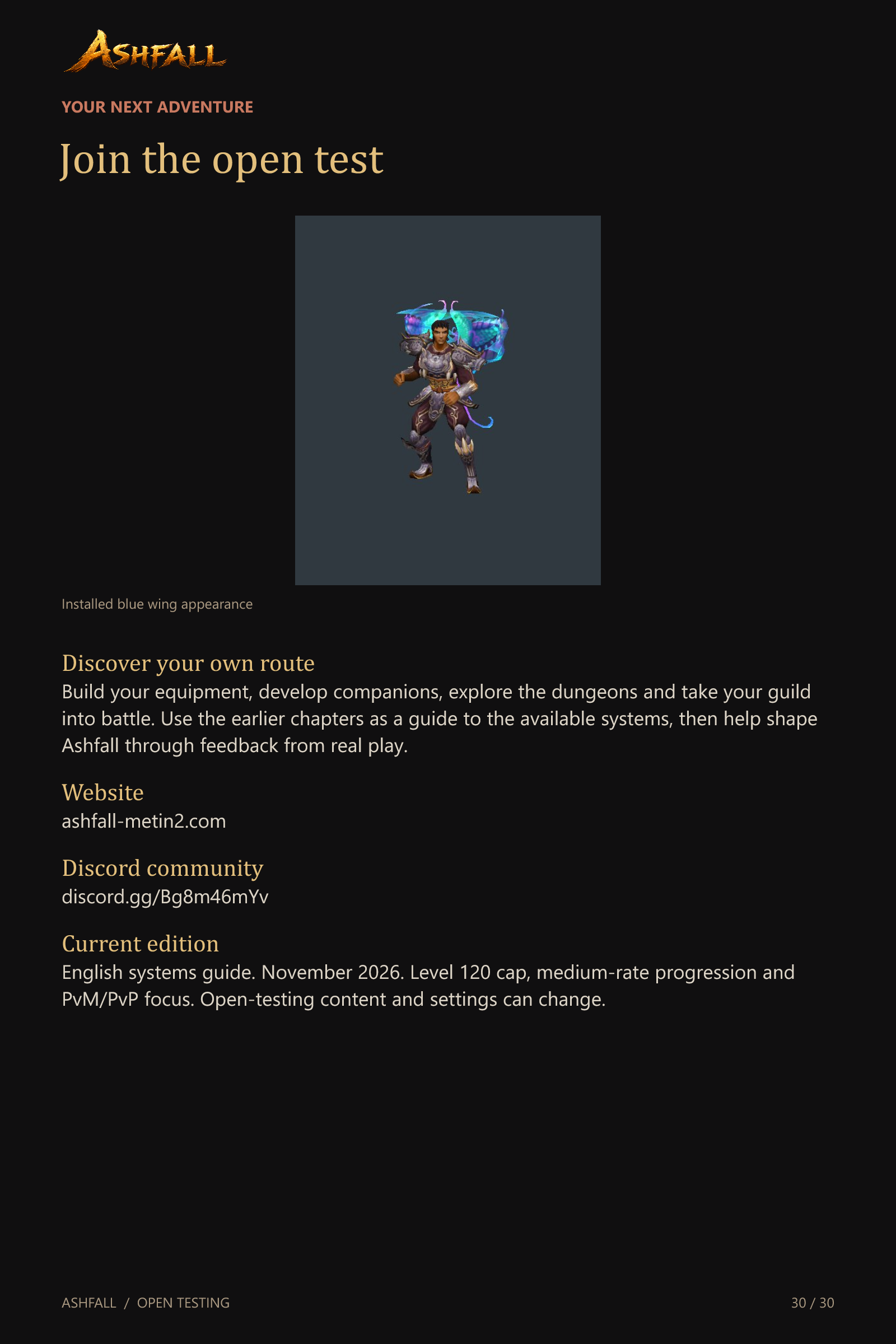
Ordinary shoulder sashes have their own combining and absorption services. Cosmetic sash skins, including installed wings and shoulder decorations, change the appearance of a sash. Cosmetic skins and the independent Aura system do not replace one another.
Horses & outdoor travel
Classic horse progression
The Stable Boy supports the classic horse chain through level 21. Horse Medals pay for examination attempts. Riding routes and hunting tasks advance the horse between the main examinations, with the required character level and horse level checked at each stage.
The three examinations
The basic examination starts at character level 25. Combat-horse training requires level 35 and horse level 10. Military-horse training requires level 50 and horse level 20. The examinations ask for Wild Archers, Snake Archers and Demon Archers respectively.
Training, books and care
Successful routine training has a 24-hour wait, with a 50% advancement chance. Summon books correspond to the horse stage. The Stable Boy also handles horse care and revival using the required Monkey Herbs. The current starter package already grants a combat horse.
Teleportation and channel travel
The Teleporter, Old Man and supported warp items connect available destinations. Dungeon Info can take you to supported dungeon entrances. Channel switching offers another way to regroup with friends while the usual combat and trading restrictions apply.
Mounts & flight
Mount collections and skins
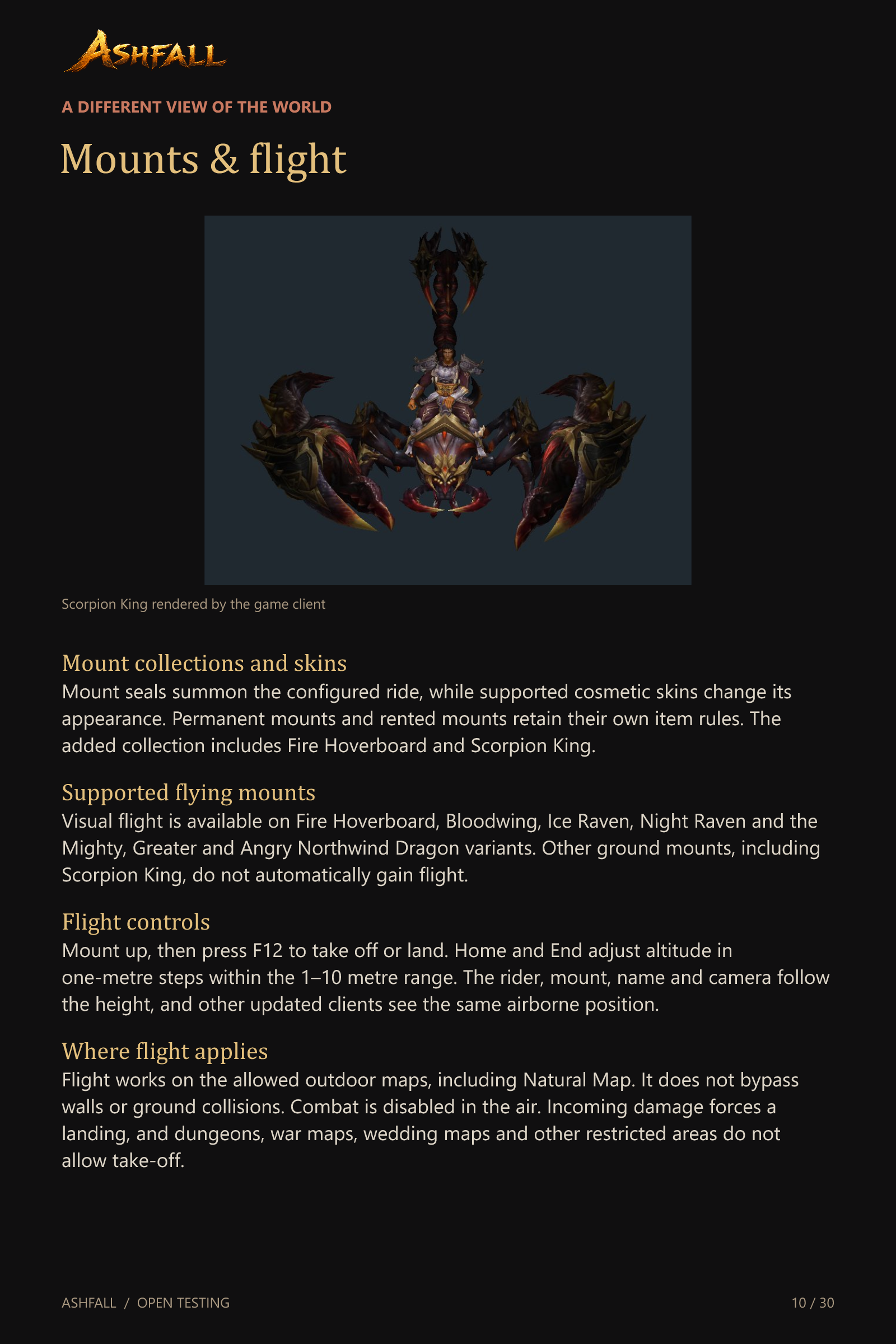
Mount seals summon the configured ride, while supported cosmetic skins change its appearance. Permanent mounts and rented mounts retain their own item rules. The added collection includes Fire Hoverboard and Scorpion King.
Supported flying mounts
Visual flight is available on Fire Hoverboard, Bloodwing, Ice Raven, Night Raven and the Mighty, Greater and Angry Northwind Dragon variants. Other ground mounts, including Scorpion King, do not automatically gain flight.
Flight controls
Mount up, then press F12 to take off or land. Home and End adjust altitude in one-metre steps within the 1–10 metre range. The rider, mount, name and camera follow the height, and other updated clients see the same airborne position.
Where flight applies
Flight works on the allowed outdoor maps, including Natural Map. It does not bypass walls or ground collisions. Combat is disabled in the air. Incoming damage forces a landing, and dungeons, war maps, wedding maps and other restricted areas do not allow take-off.
Pets & Buffi
Developing pets
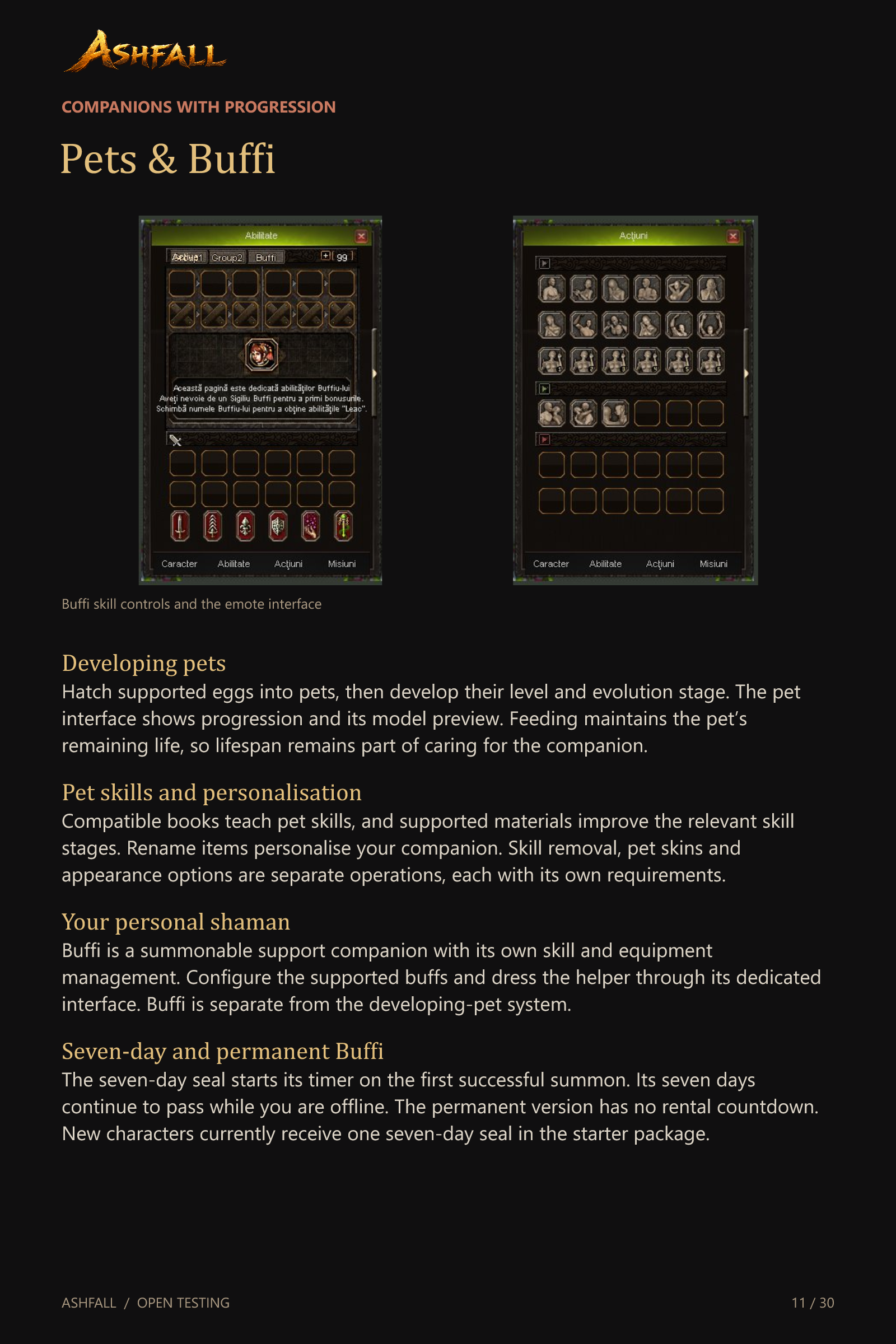
Hatch supported eggs into pets, then develop their level and evolution stage. The pet interface shows progression and its model preview. Feeding maintains the pet’s remaining life, so lifespan remains part of caring for the companion.
Pet skills and personalisation
Compatible books teach pet skills, and supported materials improve the relevant skill stages. Rename items personalise your companion. Skill removal, pet skins and appearance options are separate operations, each with its own requirements.
Your personal shaman
Buffi is a summonable support companion with its own skill and equipment management. Configure the supported buffs and dress the helper through its dedicated interface. Buffi is separate from the developing-pet system.
Seven-day and permanent Buffi
The seven-day seal starts its timer on the first successful summon. Its seven days continue to pass while you are offline. The permanent version has no rental countdown. New characters currently receive one seven-day seal in the starter package.
Costumes, wings & Shining
Costumes and weapon skins
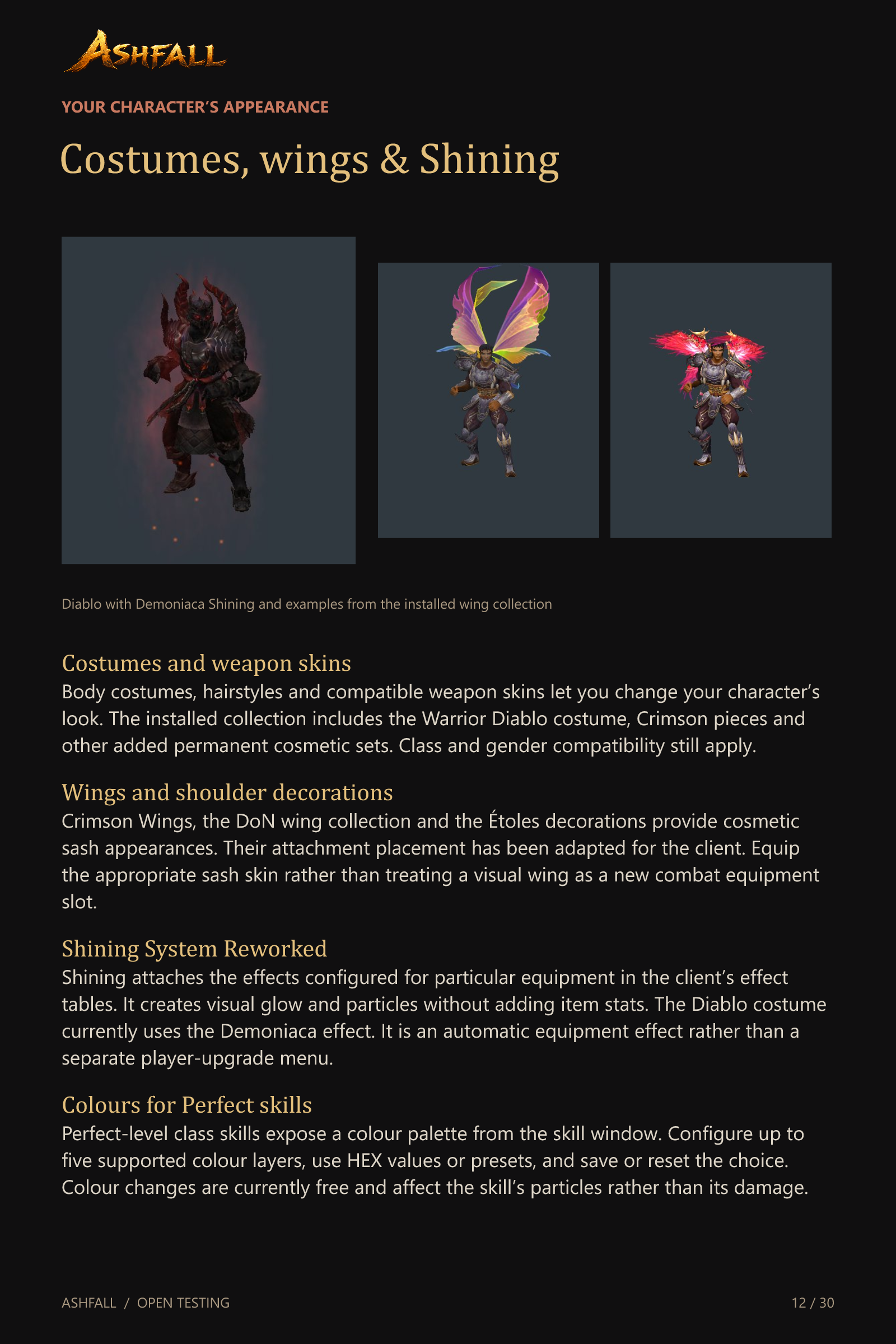
Body costumes, hairstyles and compatible weapon skins let you change your character’s look. The installed collection includes the Warrior Diablo costume, Crimson pieces and other added permanent cosmetic sets. Class and gender compatibility still apply.
Wings and shoulder decorations
Crimson Wings, the DoN wing collection and the Étoles decorations provide cosmetic sash appearances. Their attachment placement has been adapted for the client. Equip the appropriate sash skin rather than treating a visual wing as a new combat equipment slot.
Shining System Reworked
Shining attaches the effects configured for particular equipment in the client’s effect tables. It creates visual glow and particles without adding item stats. The Diablo costume currently uses the Demoniaca effect. It is an automatic equipment effect rather than a separate player-upgrade menu.
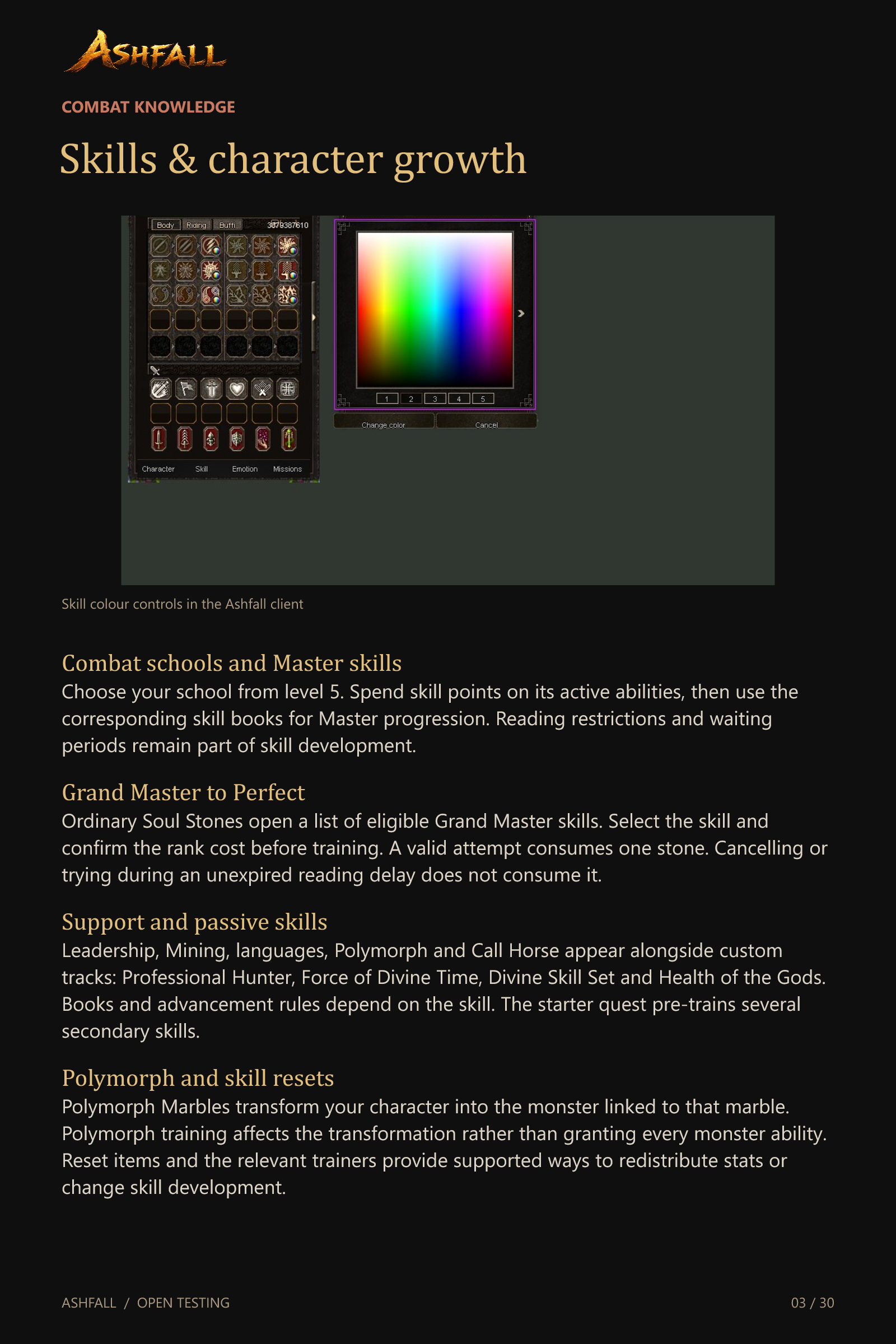
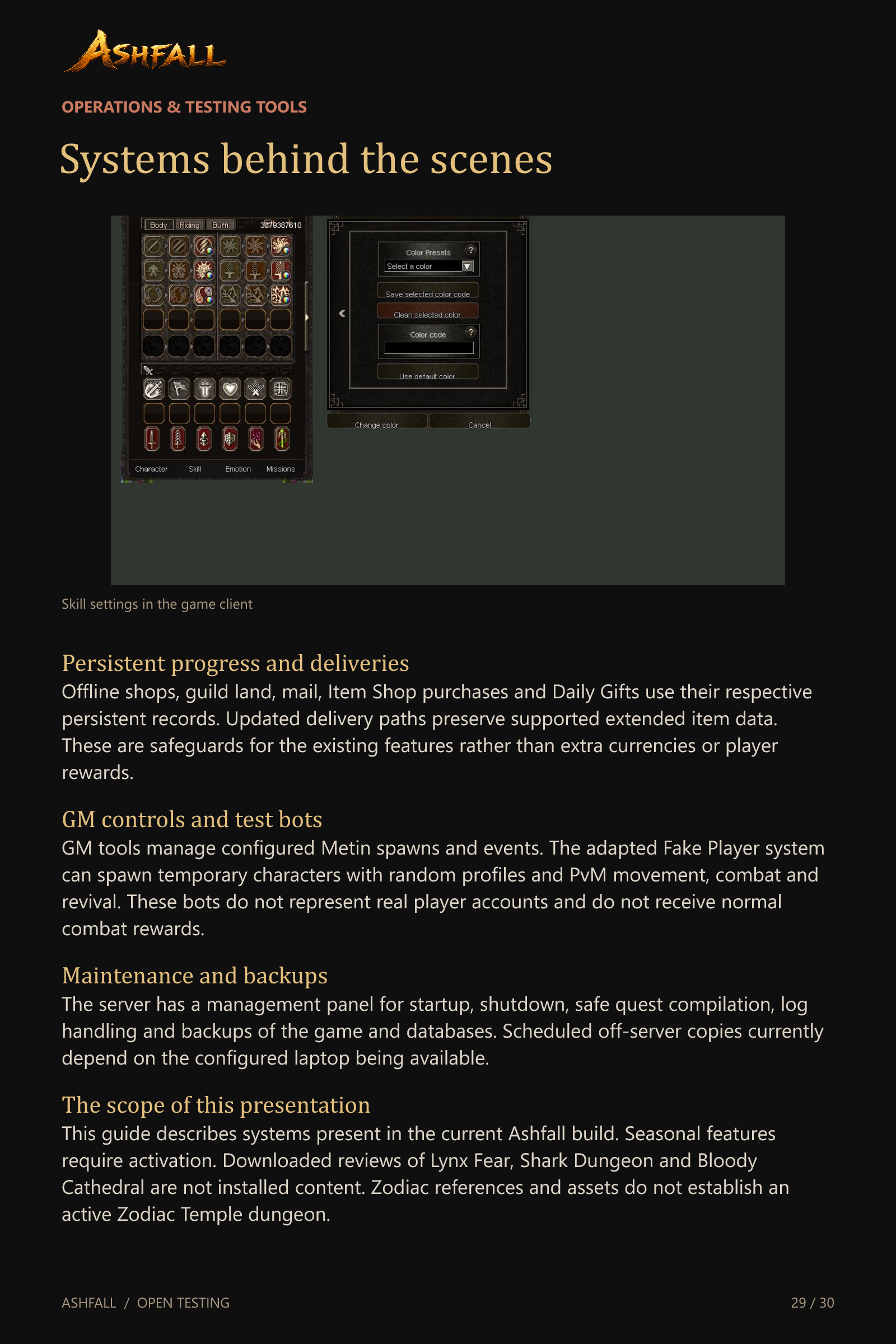
Colours for Perfect skills
Perfect-level class skills expose a colour palette from the skill window. Configure up to five supported colour layers, use HEX values or presets, and save or reset the choice. Colour changes are currently free and affect the skill’s particles rather than its damage.
Inventory & everyday tools
Four inventory pages
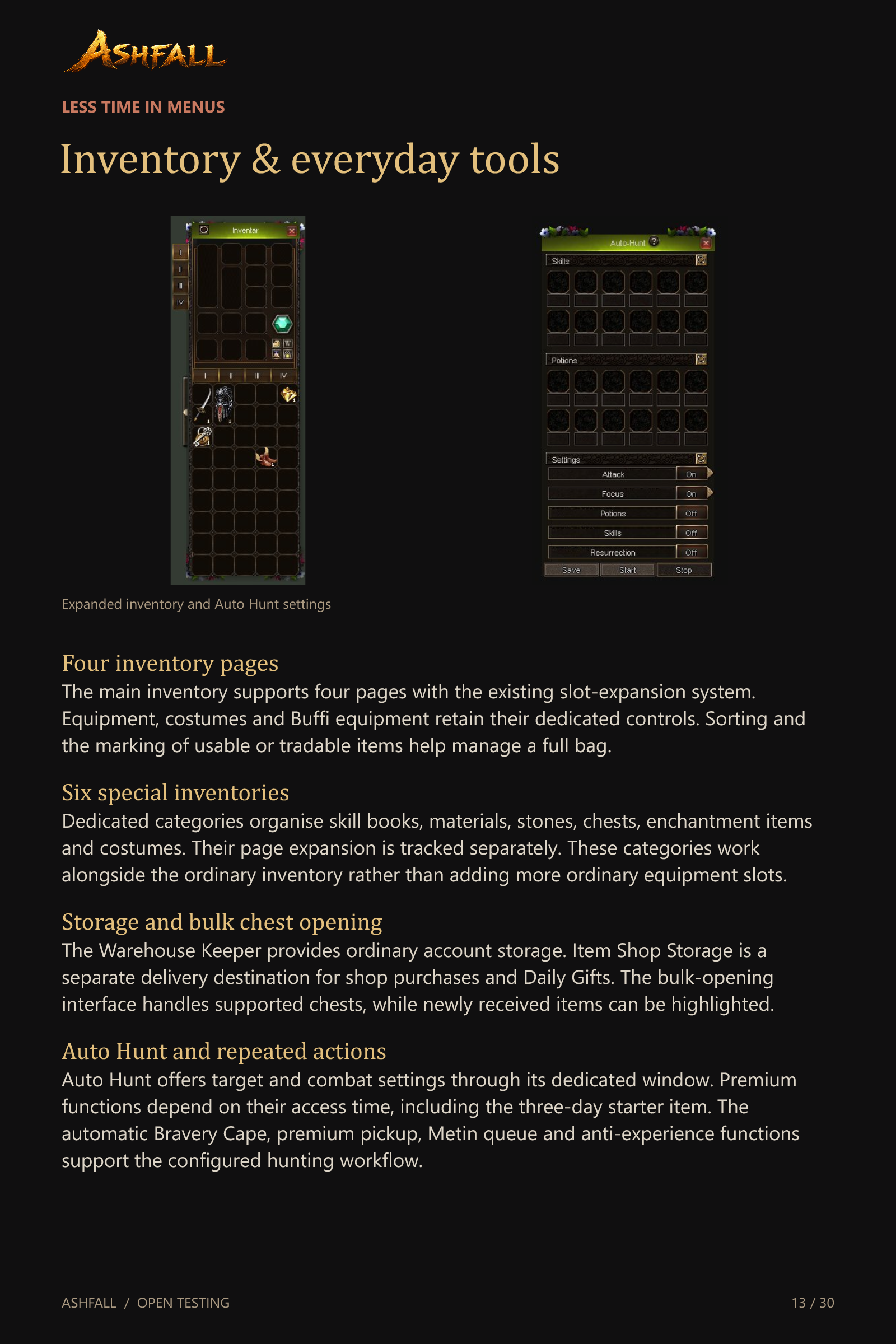
The main inventory supports four pages with the existing slot-expansion system. Equipment, costumes and Buffi equipment retain their dedicated controls. Sorting and the marking of usable or tradable items help manage a full bag.
Six special inventories
Dedicated categories organise skill books, materials, stones, chests, enchantment items and costumes. Their page expansion is tracked separately. These categories work alongside the ordinary inventory rather than adding more ordinary equipment slots.
Storage and bulk chest opening
The Warehouse Keeper provides ordinary account storage. Item Shop Storage is a separate delivery destination for shop purchases and Daily Gifts. The bulk-opening interface handles supported chests, while newly received items can be highlighted.
Auto Hunt and repeated actions
Auto Hunt offers target and combat settings through its dedicated window. Premium functions depend on their access time, including the three-day starter item. The automatic Bravery Cape, premium pickup, Metin queue and anti-experience functions support the configured hunting workflow.
Trading & crafting
Offline shops and shop search
Create a player shop, list compatible items and sell while your character is offline. Active shop records survive a normal server restart. The shop-search interface helps find listed equipment, while the owner can manage proceeds and remaining stock.
Quick Sell
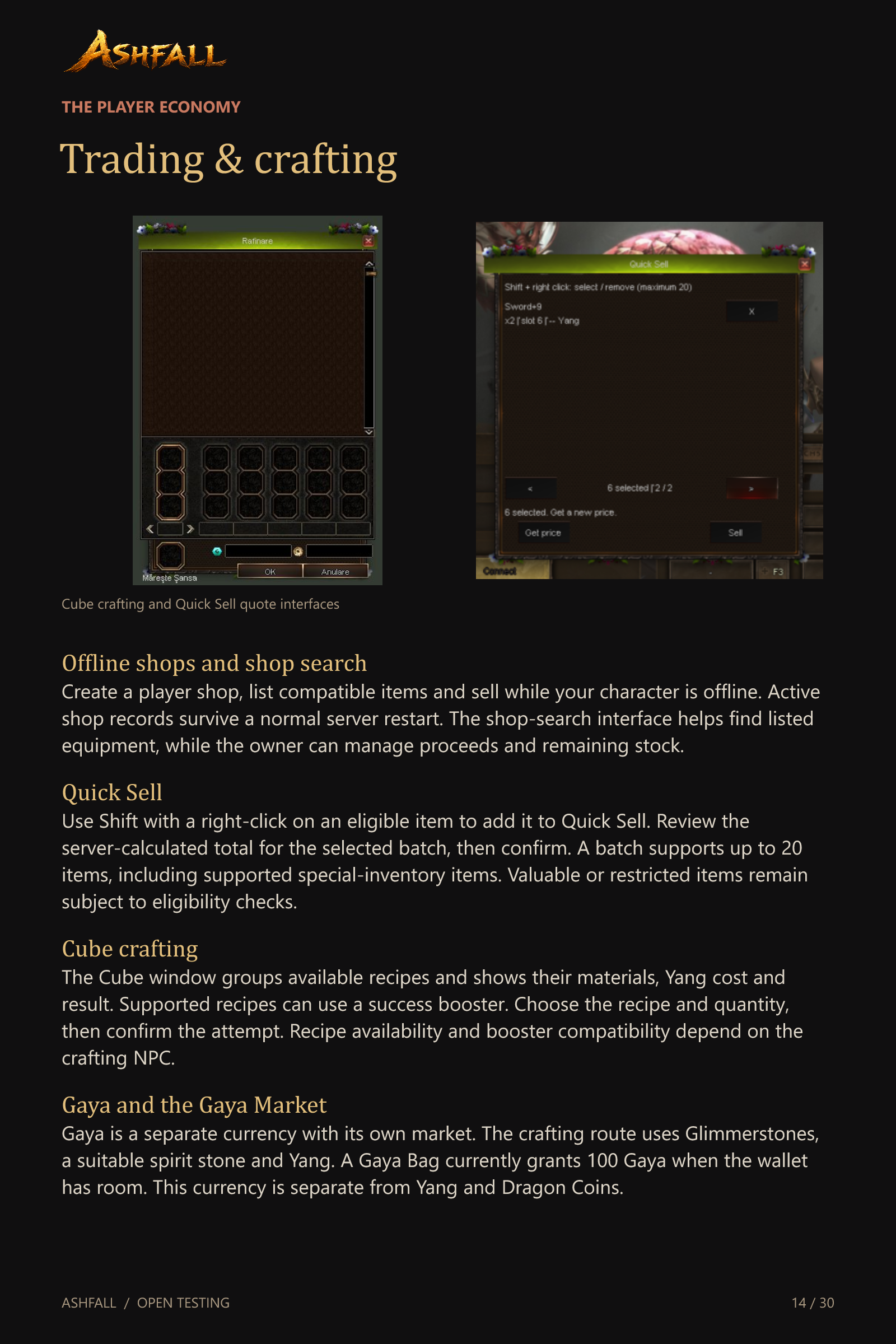
Use Shift with a right-click on an eligible item to add it to Quick Sell. Review the server-calculated total for the selected batch, then confirm. A batch supports up to 20 items, including supported special-inventory items. Valuable or restricted items remain subject to eligibility checks.
Cube crafting
The Cube window groups available recipes and shows their materials, Yang cost and result. Supported recipes can use a success booster. Choose the recipe and quantity, then confirm the attempt. Recipe availability and booster compatibility depend on the crafting NPC.
Gaya and the Gaya Market
Gaya is a separate currency with its own market. The crafting route uses Glimmerstones, a suitable spirit stone and Yang. A Gaya Bag currently grants 100 Gaya when the wallet has room. This currency is separate from Yang and Dragon Coins.
Mail & the Item Shop
The in-game mailbox
Use a city mailbox, or a supported mobile mailbox item, to send a message with Yang and one tradable item or stack. The minimap shows unread-mail notifications. Mail attachments keep their supported sockets, attributes and remaining item lifetime.
Receiving and storing attachments
Claim attachments from your mail list. If the ordinary inventory lacks space, supported deliveries can use Item Shop Storage. An unclaimed attachment stays pending if both destinations are full. Letters with unclaimed attachments cannot simply be deleted.
Mail fees and lifetime
Sending costs 1,000 Yang. Receiving attached money applies a 5% tax. Mail normally has a 30-day lifetime. Temporary items continue to expire while attached, so mailing an item does not make its rental permanent.
The in-game Item Shop
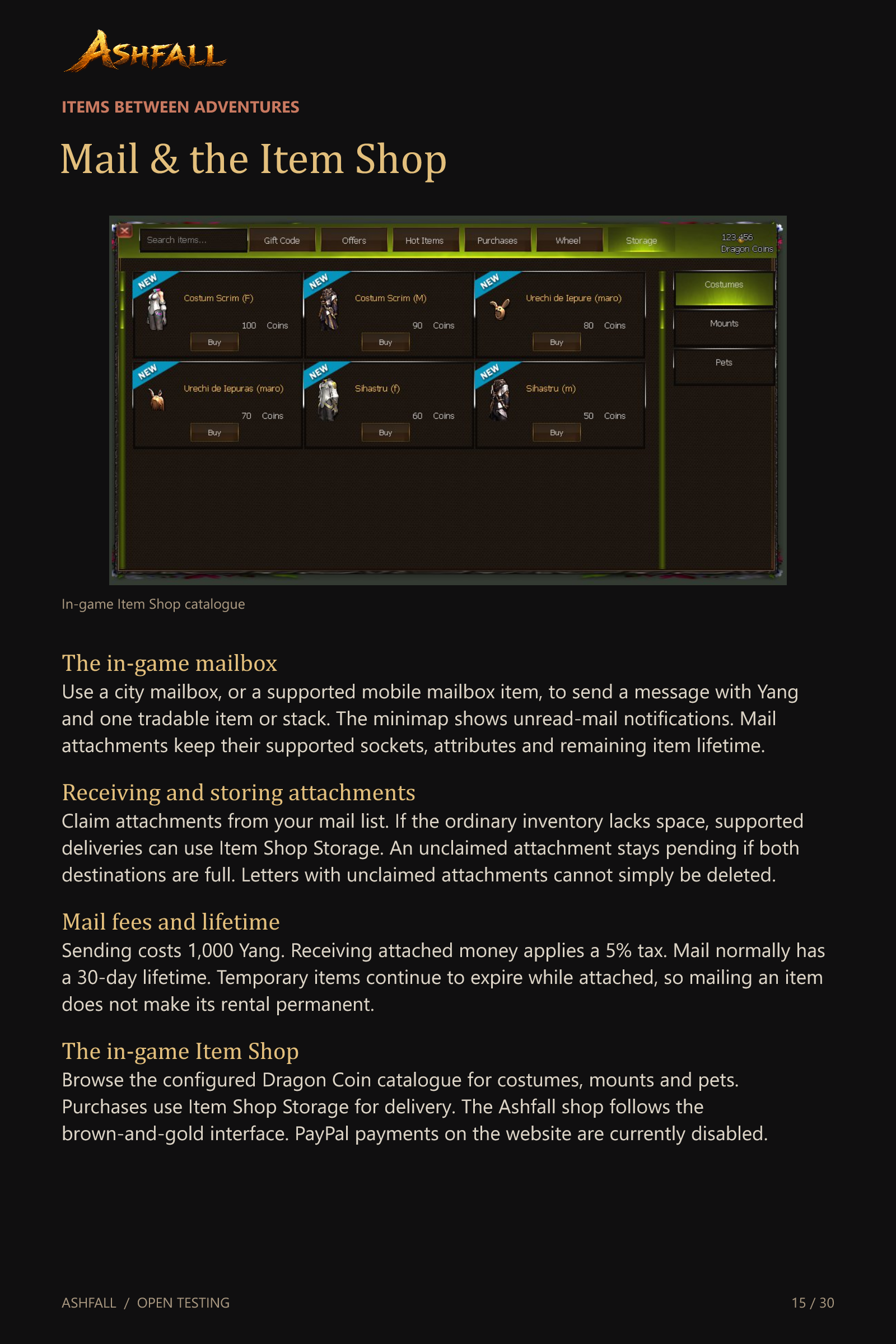
Browse the configured Dragon Coin catalogue for costumes, mounts and pets. Purchases use Item Shop Storage for delivery. The Ashfall shop follows the brown-and-gold interface. PayPal payments on the website are currently disabled.
Daily rewards & activities
One Daily Gift per account
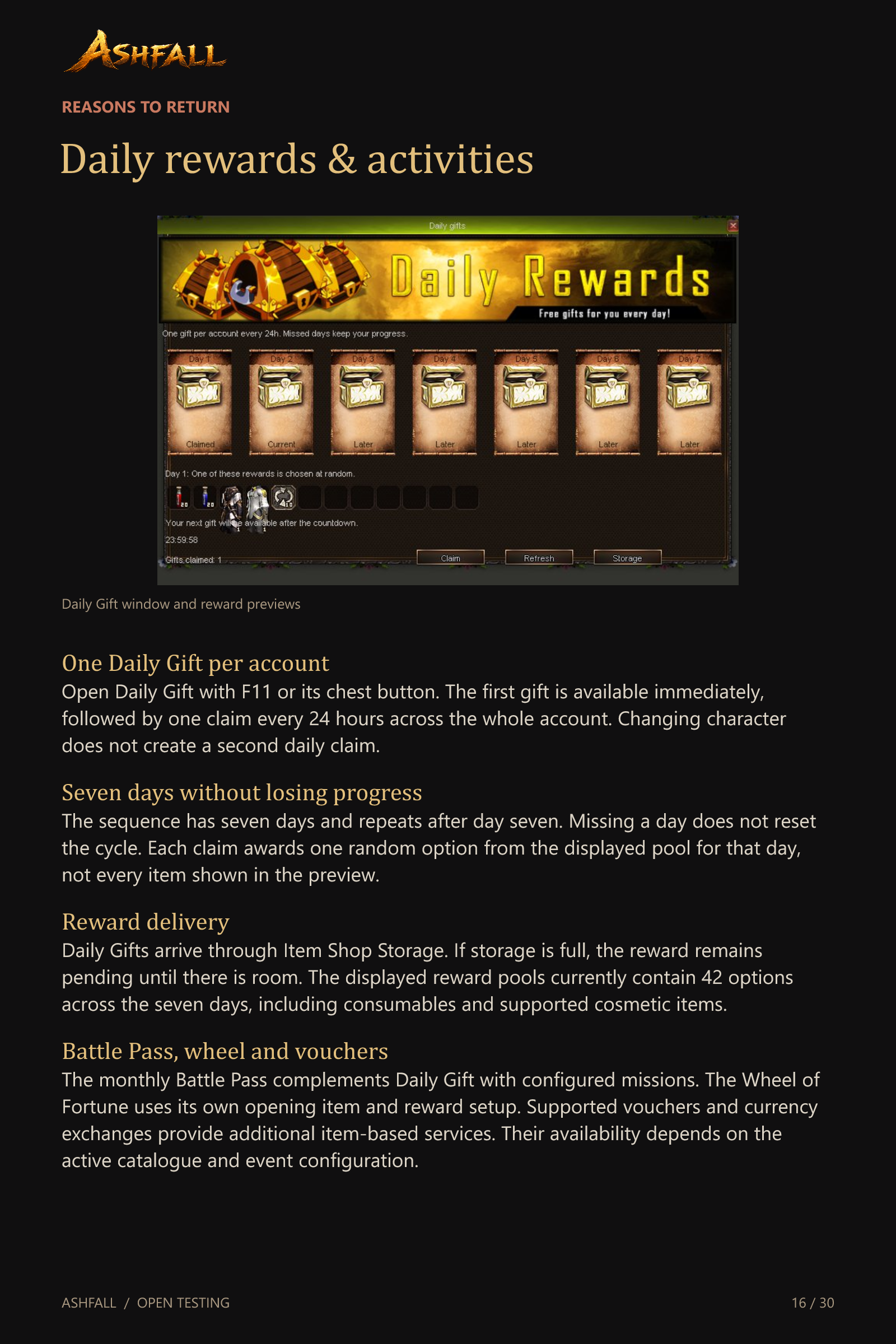
Open Daily Gift with F11 or its chest button. The first gift is available immediately, followed by one claim every 24 hours across the whole account. Changing character does not create a second daily claim.
Seven days without losing progress
The sequence has seven days and repeats after day seven. Missing a day does not reset the cycle. Each claim awards one random option from the displayed pool for that day, not every item shown in the preview.
Reward delivery
Daily Gifts arrive through Item Shop Storage. If storage is full, the reward remains pending until there is room. The displayed reward pools currently contain 42 options across the seven days, including consumables and supported cosmetic items.
Battle Pass, wheel and vouchers
The monthly Battle Pass complements Daily Gift with configured missions. The Wheel of Fortune uses its own opening item and reward setup. Supported vouchers and currency exchanges provide additional item-based services. Their availability depends on the active catalogue and event configuration.
Guilds & land ownership
Guild life
Create a guild, recruit members, organise ranks and develop shared guild progress. Guild skills and the guild ranking system support organised play. Members can coordinate through the social and party tools rather than being limited to a single channel.
Buying a guild plot
A qualifying guild leader can buy a free plot through the land NPC. The current land table requires guild level 10 and prices plots between 40 and 70 million Yang. A guild cannot buy another plot while it already owns one.
Buildings and specialised services
Guild land supports smiths, specialised alchemists and the Altar of Power. Guild alchemists refine supported ore, with different chances for their speciality and other ores. Changing an alchemist’s speciality is a separate paid operation.
The altar and leadership transfer
The three altar stages add 6, 12 or 18 places to the guild member limit. Upgrades require Yang and building materials. A Leadership Transfer Scroll can pass leadership to an eligible online member from level 40, with transfer blocked during war.
Guild wars & spectators
Three war formats
Guilds retain open-field war and can also declare arena war or Capture the Flag. Arena battles use a dedicated instance. Capture the Flag adds the objective of taking the opposing guild’s flag instead of relying only on ordinary field combat.
Entering the battlefield
The guild-war entry flow takes registered fighters to the shared war instance. The present eligibility rules require positive guild rating and at least eight guild members. War types and entry are managed through the guild and NPC services.
Watching a live war
City guards offer Watch a guild war. Select an active arena or flag battle to enter as a spectator. Spectators do not count as fighters and cannot fight or handle flags. Leaving observation returns you to the saved place and channel.
Yang bets and collection
Before preparation begins, place one bet per account on either guild: 10,000, 30,000, 50,000 or 100,000 Yang. Winners share 90% of the bank in proportion to their bets. Draws, cancellations and an empty winning side return stakes. Collect payouts or refunds at the guard.
Dungeon Info
Thirteen configured destinations
Dungeon Info brings the configured dungeon entries into one window, including Underwater Dungeon and Frostbane Fortress. A separate NPC choice preserves the classic Demon Tower alongside the newer keyed version.
Requirements before you travel
Each card displays its configured level range, entry item and cooldown. Check the card before buying a key or teleporting. Individual dungeon scripts also validate admission, party membership and any additional conditions.
Entrance travel and key shops
Supported entries provide teleportation to the entrance and an associated key shop. Dungeon entry keys in these shops are priced at 1,000,000 Yang each. Teleport fees and the ordinary delay after trading apply separately.
Your results and returning
The window records supported completion statistics, fastest times and boss damage. Cooldown notifications help plan the next run. Supported dungeon scripts also provide re-entry to an active run under their channel and time restrictions.
Dungeons of the old world
Two Demon Towers
At the entrance NPC, choose the classic tower or the newer version that requires its key. The classic sixth-floor boss can produce a random smith who refines without the usual ingredients. The newer tower also has an adapted smith opportunity.
Orc Labyrinth
Fight the reborn Orc Chief through the configured labyrinth scenario. Its Dungeon Info card covers levels 50–90 and a 30-minute cooldown. The entrance script and required key govern the run itself.
Spider Baroness and Devil’s Catacomb
Spider Baroness appears in the 60–90 range. Devil’s Catacomb covers 75–105. Both cards show a one-hour cooldown. These instances retain their own objective sequences, entry items and boss encounters.
Beran-Setaou
The dragon encounter provides another 75–105 destination, with a one-hour card cooldown. Prepare for its dungeon-specific monsters and final fight, rather than treating its entrance key as unrestricted access to every dungeon.
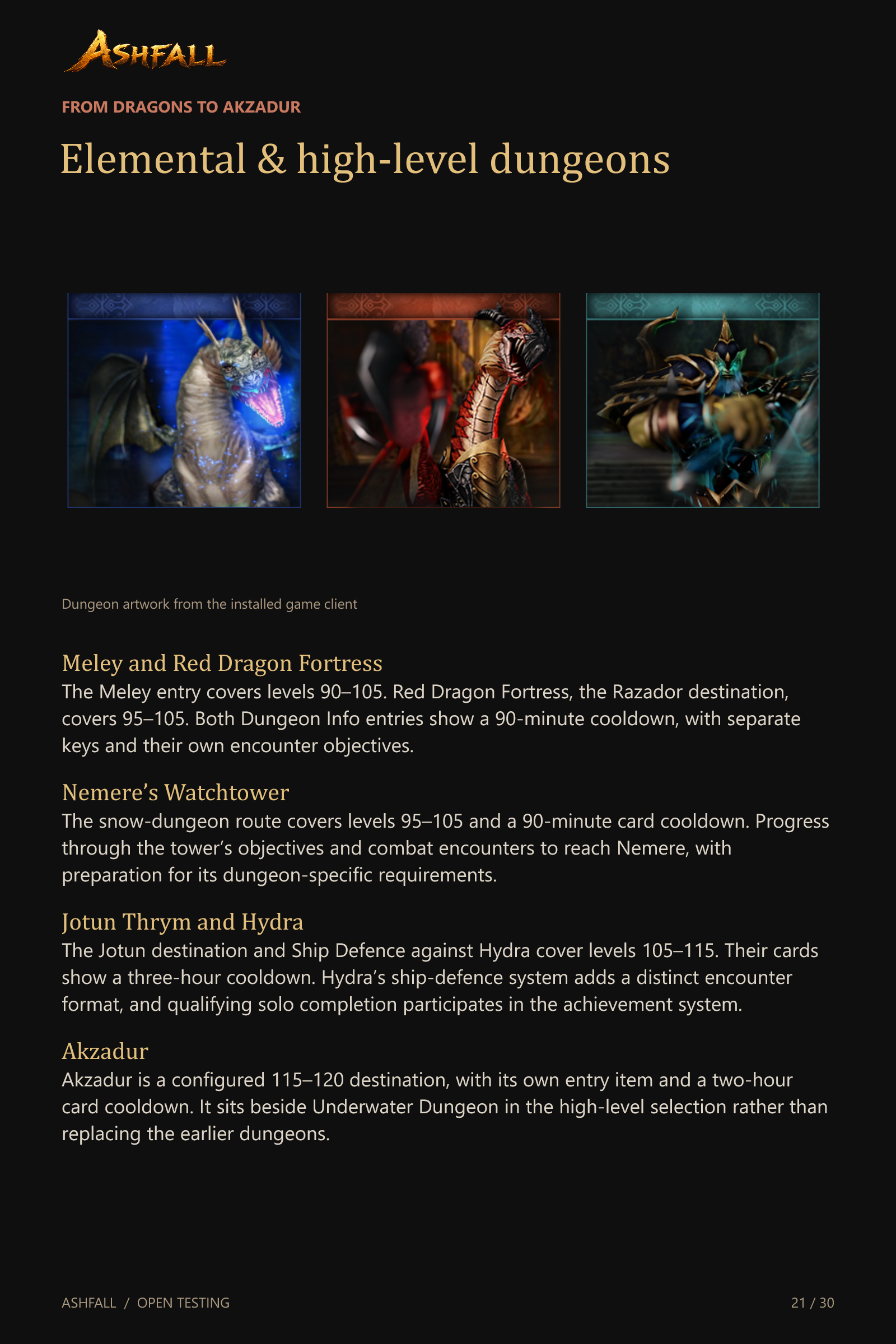
Elemental & high-level dungeons
Meley and Red Dragon Fortress
The Meley entry covers levels 90–105. Red Dragon Fortress, the Razador destination, covers 95–105. Both Dungeon Info entries show a 90-minute cooldown, with separate keys and their own encounter objectives.
Nemere’s Watchtower
The snow-dungeon route covers levels 95–105 and a 90-minute card cooldown. Progress through the tower’s objectives and combat encounters to reach Nemere, with preparation for its dungeon-specific requirements.
Jotun Thrym and Hydra
The Jotun destination and Ship Defence against Hydra cover levels 105–115. Their cards show a three-hour cooldown. Hydra’s ship-defence system adds a distinct encounter format, and qualifying solo completion participates in the achievement system.
Akzadur
Akzadur is a configured 115–120 destination, with its own entry item and a two-hour card cooldown. It sits beside Underwater Dungeon in the high-level selection rather than replacing the earlier dungeons.
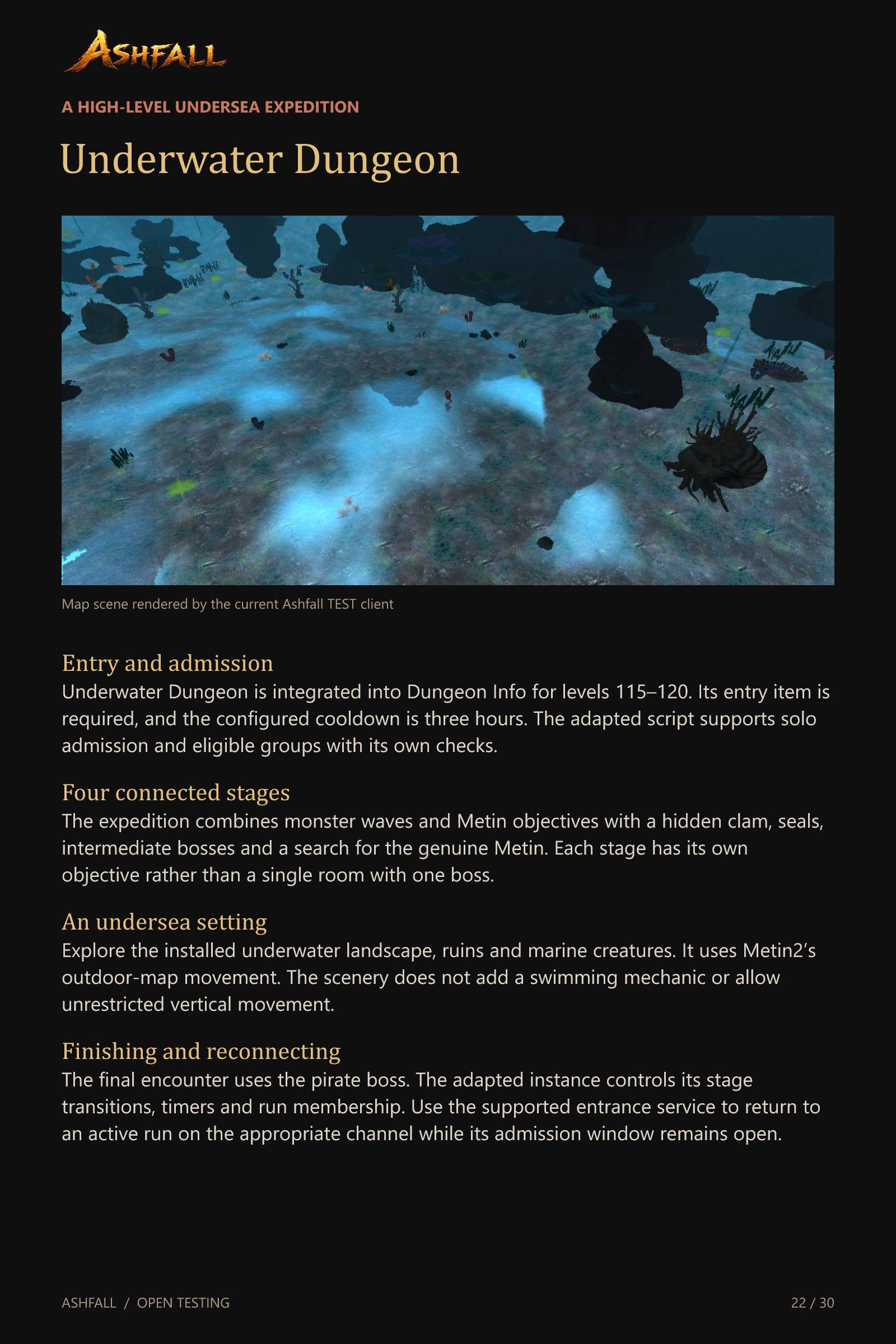
Underwater Dungeon
Entry and admission
Underwater Dungeon is integrated into Dungeon Info for levels 115–120. Its entry item is required, and the configured cooldown is three hours. The adapted script supports solo admission and eligible groups with its own checks.
Four connected stages
The expedition combines monster waves and Metin objectives with a hidden clam, seals, intermediate bosses and a search for the genuine Metin. Each stage has its own objective rather than a single room with one boss.
An undersea setting
Explore the installed underwater landscape, ruins and marine creatures. It uses Metin2’s outdoor-map movement. The scenery does not add a swimming mechanic or allow unrestricted vertical movement.
Finishing and reconnecting
The final encounter uses the pirate boss. The adapted instance controls its stage transitions, timers and run membership. Use the supported entrance service to return to an active run on the appropriate channel while its admission window remains open.
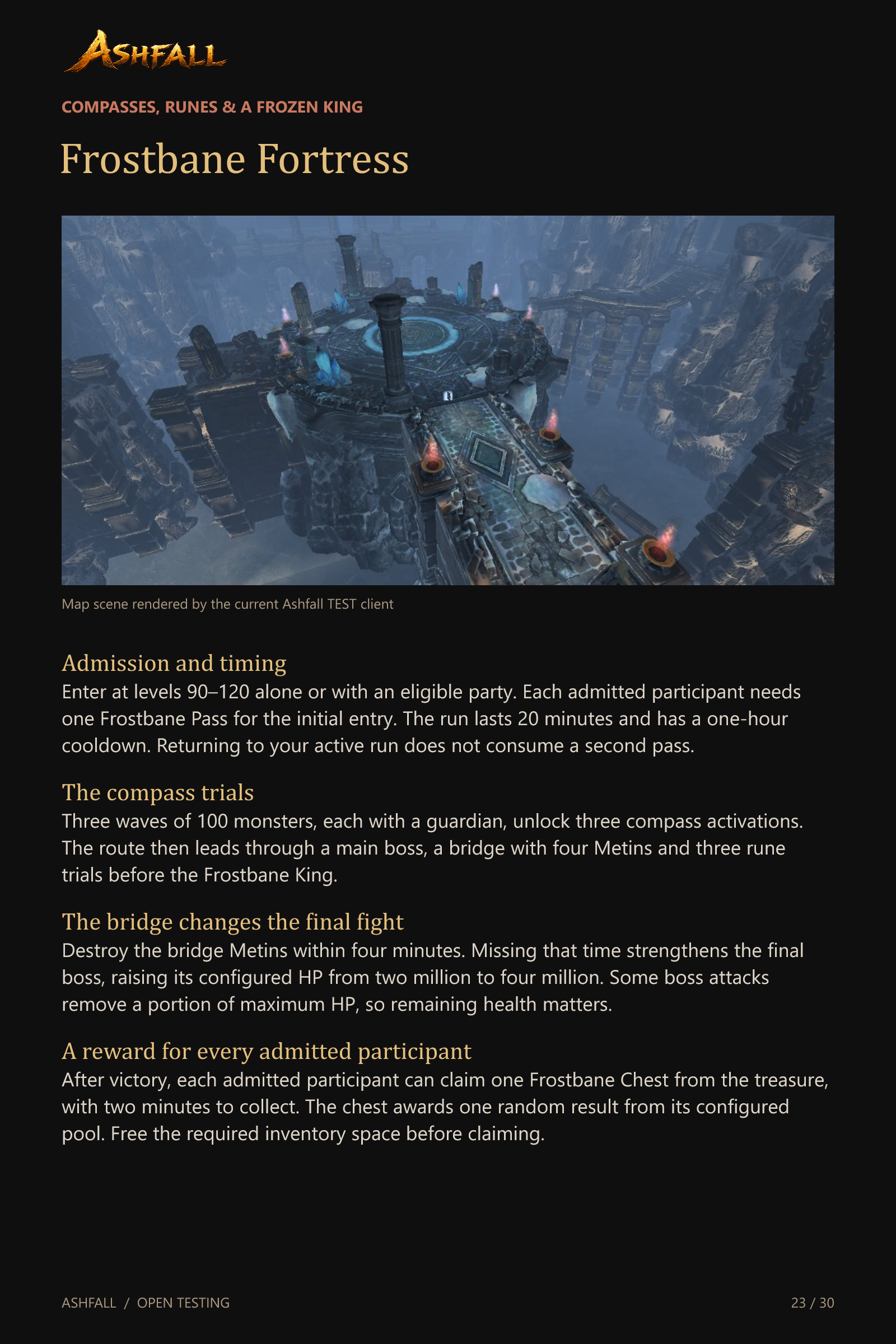
Frostbane Fortress
Admission and timing
Enter at levels 90–120 alone or with an eligible party. Each admitted participant needs one Frostbane Pass for the initial entry. The run lasts 20 minutes and has a one-hour cooldown. Returning to your active run does not consume a second pass.
The compass trials
Three waves of 100 monsters, each with a guardian, unlock three compass activations. The route then leads through a main boss, a bridge with four Metins and three rune trials before the Frostbane King.
The bridge changes the final fight
Destroy the bridge Metins within four minutes. Missing that time strengthens the final boss, raising its configured HP from two million to four million. Some boss attacks remove a portion of maximum HP, so remaining health matters.
A reward for every admitted participant
After victory, each admitted participant can claim one Frostbane Chest from the treasure, with two minutes to collect. The chest awards one random result from its configured pool. Free the required inventory space before claiming.
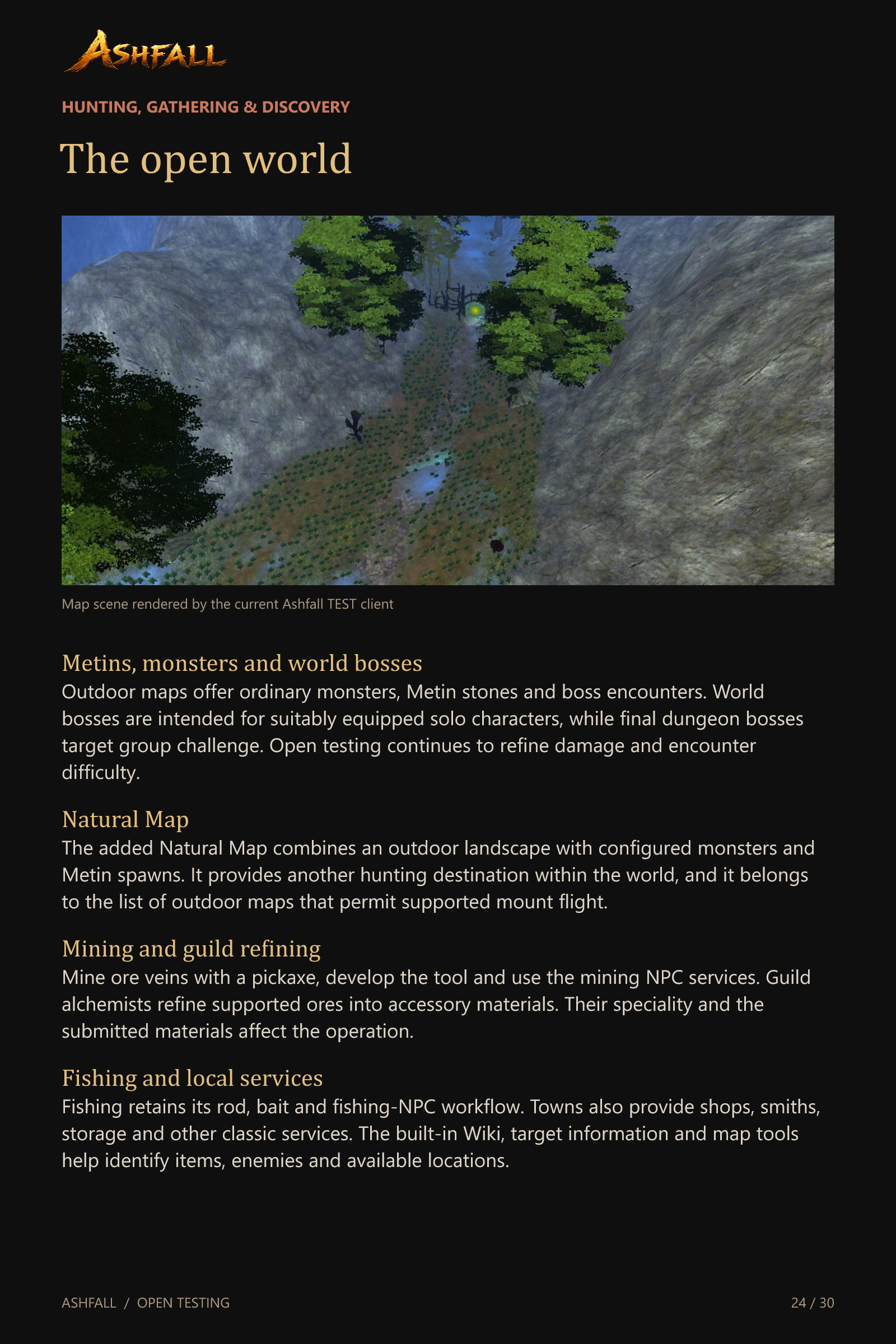
The open world
Metins, monsters and world bosses
Outdoor maps offer ordinary monsters, Metin stones and boss encounters. World bosses are intended for suitably equipped solo characters, while final dungeon bosses target group challenge. Open testing continues to refine damage and encounter difficulty.
Natural Map
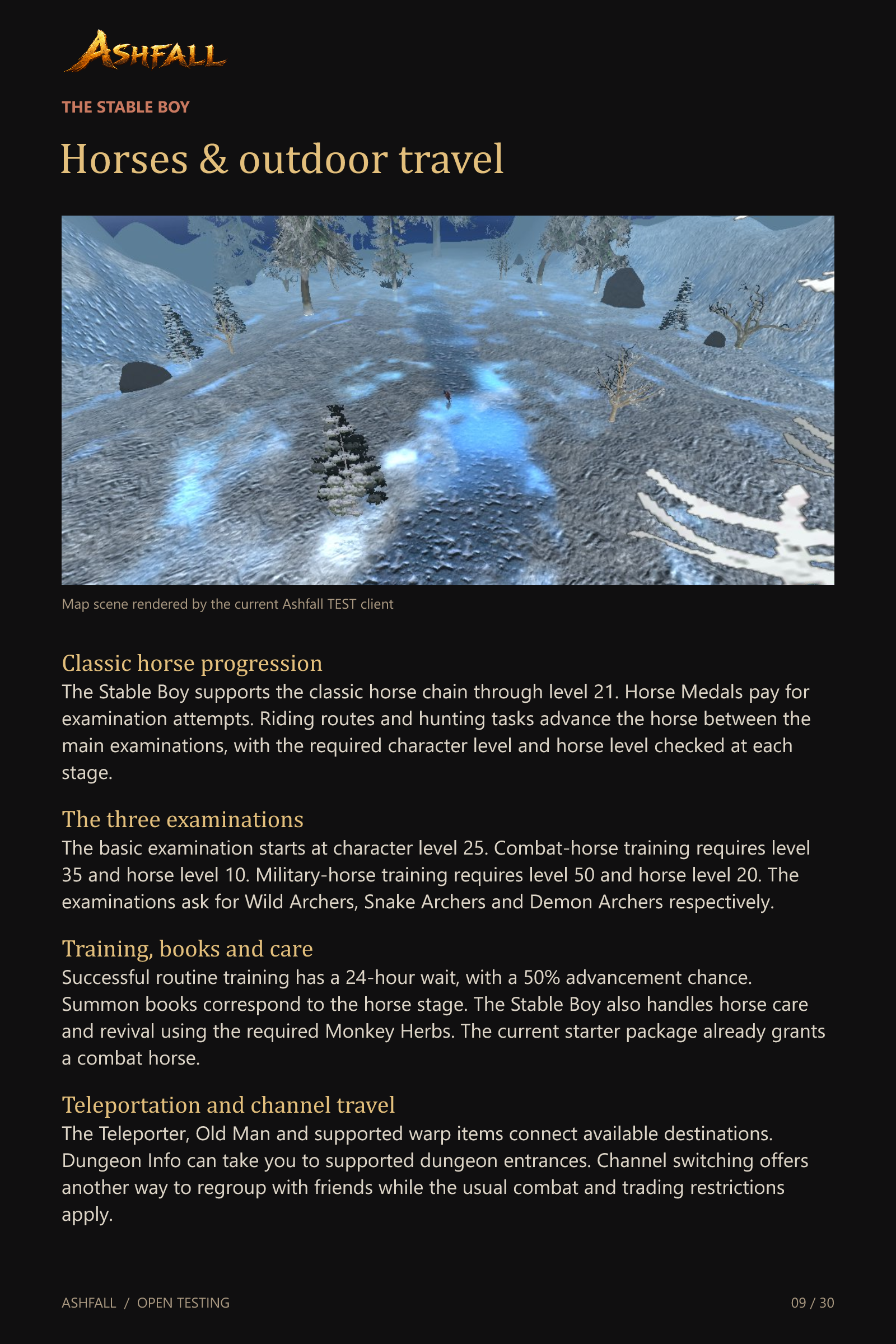
The added Natural Map combines an outdoor landscape with configured monsters and Metin spawns. It provides another hunting destination within the world, and it belongs to the list of outdoor maps that permit supported mount flight.
Mining and guild refining
Mine ore veins with a pickaxe, develop the tool and use the mining NPC services. Guild alchemists refine supported ores into accessory materials. Their speciality and the submitted materials affect the operation.
Fishing and local services
Fishing retains its rod, bait and fishing-NPC workflow. Towns also provide shops, smiths, storage and other classic services. The built-in Wiki, target information and map tools help identify items, enemies and available locations.
Events & competitive activities
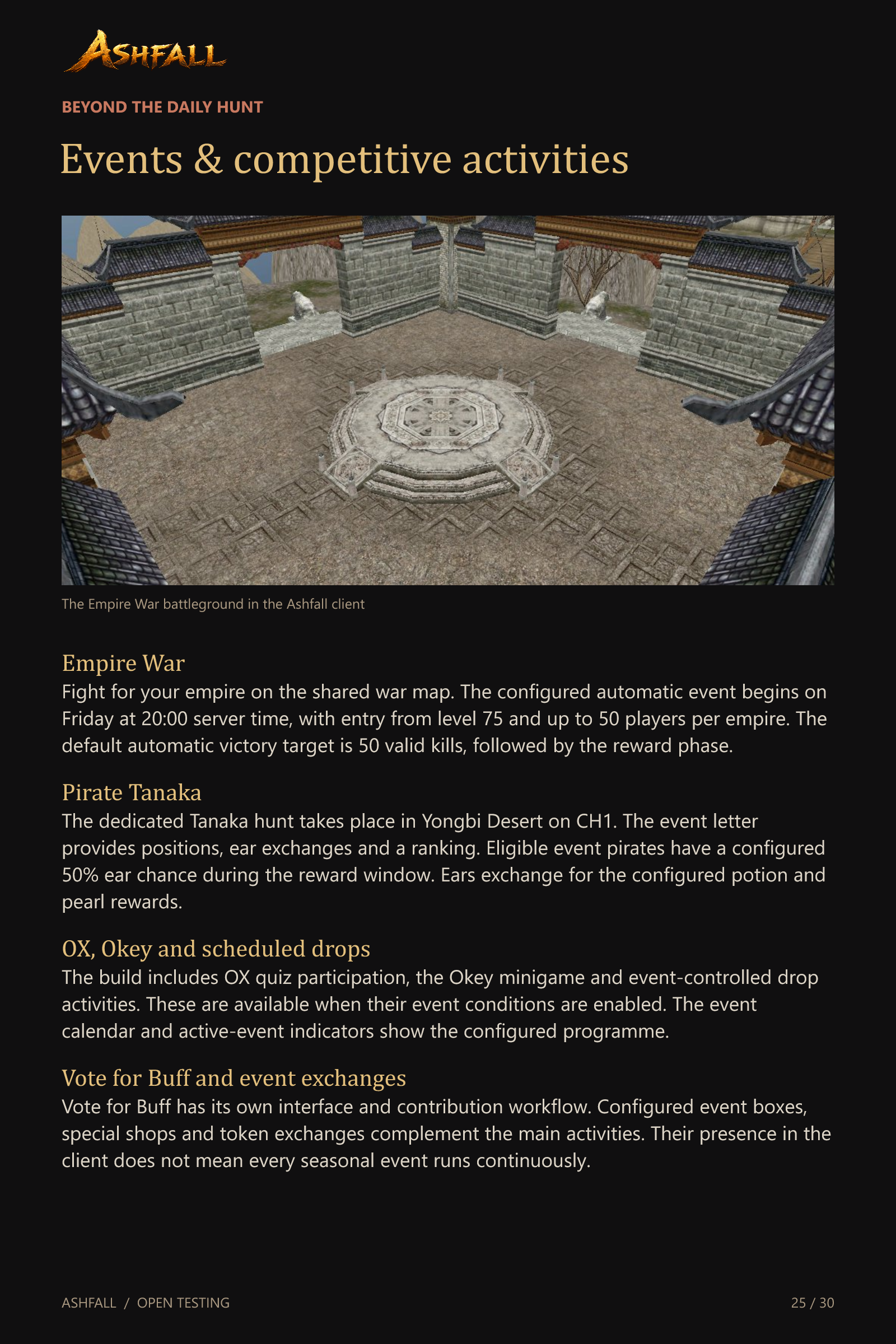
Empire War
Fight for your empire on the shared war map. The configured automatic event begins on Friday at 20:00 server time, with entry from level 75 and up to 50 players per empire. The default automatic victory target is 50 valid kills, followed by the reward phase.
Pirate Tanaka
The dedicated Tanaka hunt takes place in Yongbi Desert on CH1. The event letter provides positions, ear exchanges and a ranking. Eligible event pirates have a configured 50% ear chance during the reward window. Ears exchange for the configured potion and pearl rewards.
OX, Okey and scheduled drops
The build includes OX quiz participation, the Okey minigame and event-controlled drop activities. These are available when their event conditions are enabled. The event calendar and active-event indicators show the configured programme.
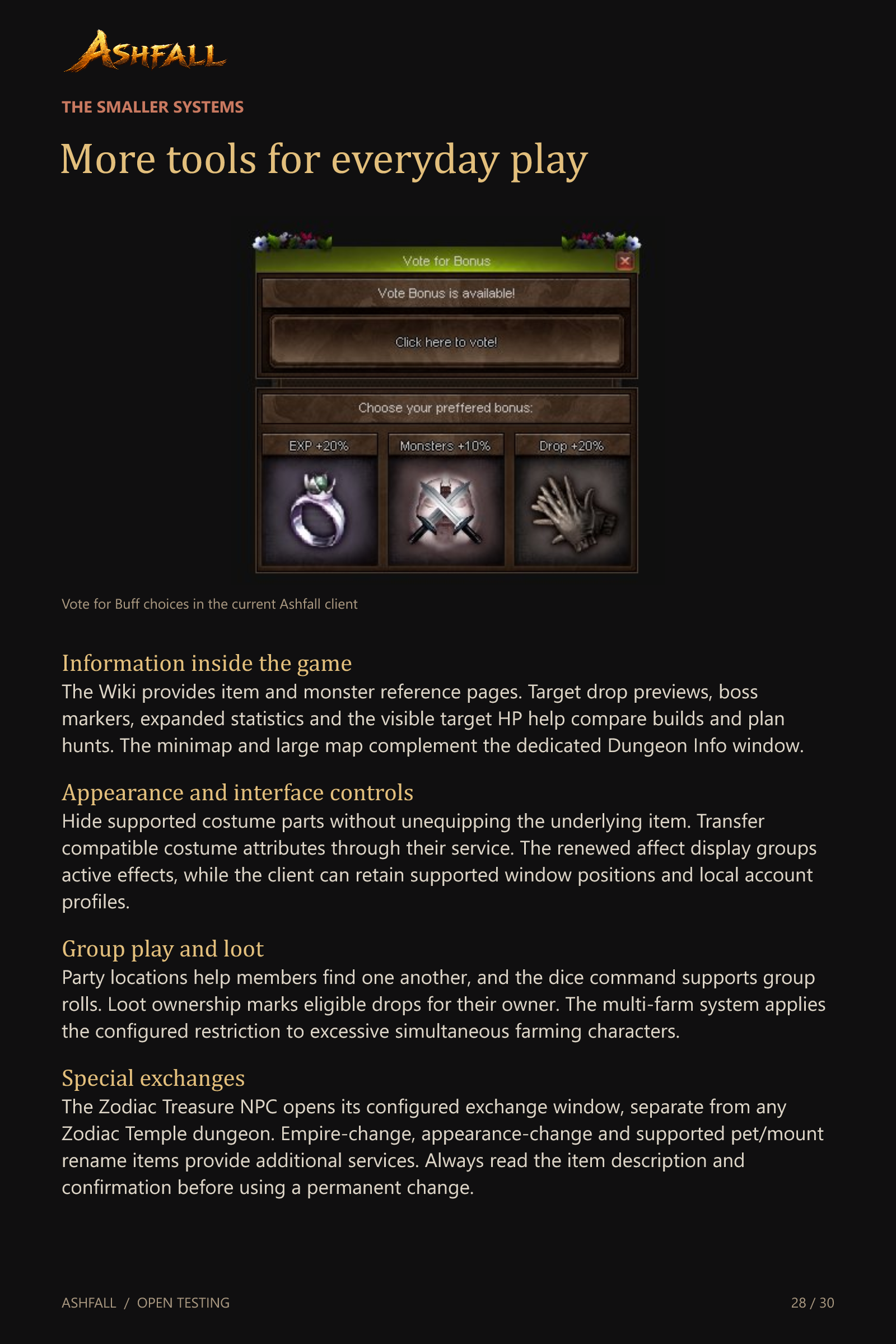
Vote for Buff and event exchanges
Vote for Buff has its own interface and contribution workflow. Configured event boxes, special shops and token exchanges complement the main activities. Their presence in the client does not mean every seasonal event runs continuously.
A renewed Metin2 world
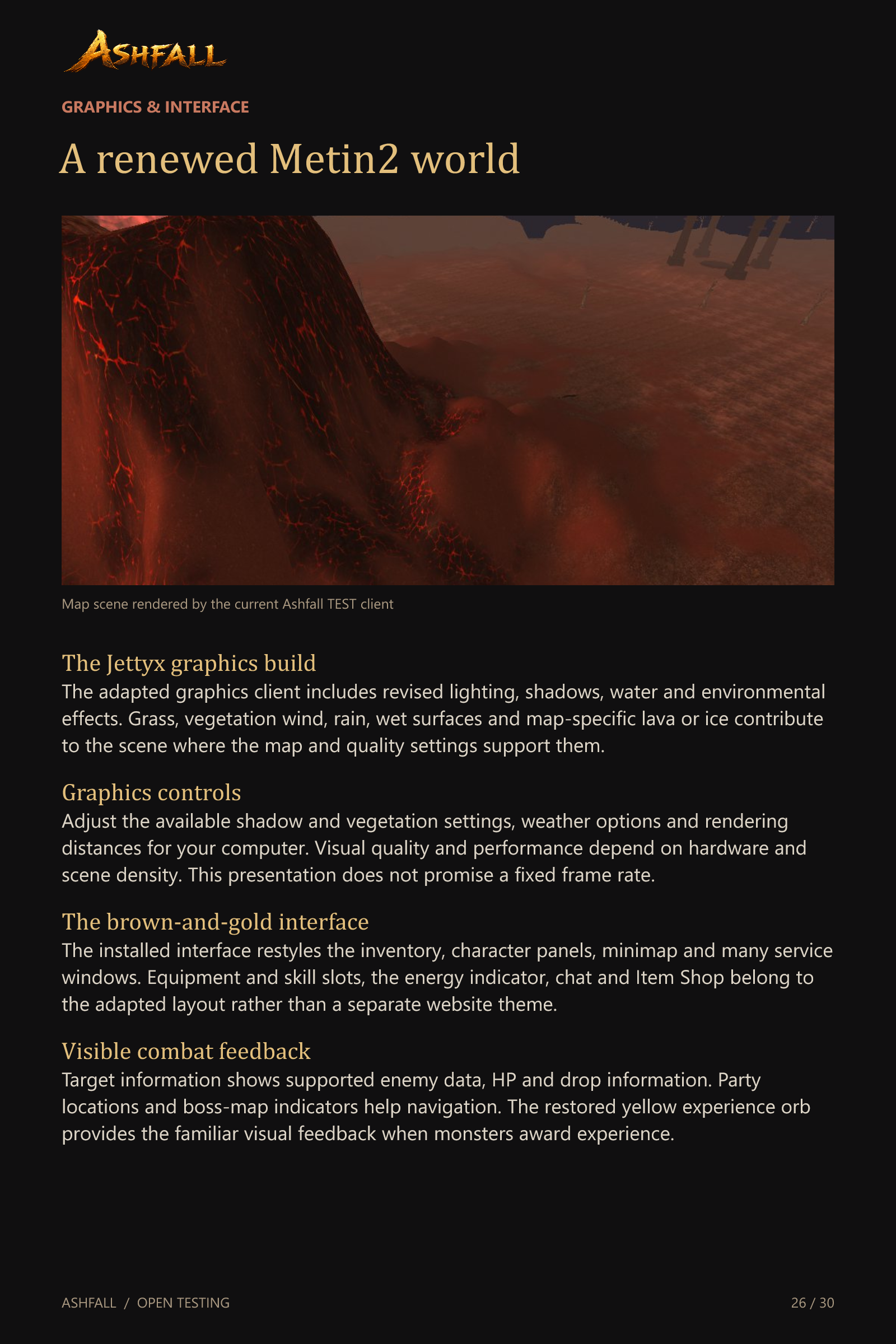
The Jettyx graphics build
The adapted graphics client includes revised lighting, shadows, water and environmental effects. Grass, vegetation wind, rain, wet surfaces and map-specific lava or ice contribute to the scene where the map and quality settings support them.
Graphics controls
Adjust the available shadow and vegetation settings, weather options and rendering distances for your computer. Visual quality and performance depend on hardware and scene density. This presentation does not promise a fixed frame rate.
The brown-and-gold interface
The installed interface restyles the inventory, character panels, minimap and many service windows. Equipment and skill slots, the energy indicator, chat and Item Shop belong to the adapted layout rather than a separate website theme.
Visible combat feedback
Target information shows supported enemy data, HP and drop information. Party locations and boss-map indicators help navigation. The restored yellow experience orb provides the familiar visual feedback when monsters award experience.
Community & staying connected
Parties and messaging
Use parties, guilds and private messages to organise play. Cross-channel friend requests help keep contacts together. The messenger includes blocking and the supported offline-message service, while the chat window separates conversation categories.
Marriage
The Old Woman provides the marriage quest and related wedding services. The current script checks level 25, wedding rings, suitable wedding clothing and the marriage fee. Marriage has its own wedding-map and couple systems, separate from guild membership.
The Ashfall website and Discord
The website provides registration, the account area, rankings and downloads through the configured CMS. Several site languages are available. Discord Rich Presence identifies Ashfall and provides the configured community invitation.
Updates and saved profiles
The Ashfall patcher checks the signed update manifest and downloads changed or damaged managed files. The server requires the current accepted client version. Login profiles can be saved locally by players, while the distribution itself should contain no saved account.
More tools for everyday play
Information inside the game
The Wiki provides item and monster reference pages. Target drop previews, boss markers, expanded statistics and the visible target HP help compare builds and plan hunts. The minimap and large map complement the dedicated Dungeon Info window.
Appearance and interface controls
Hide supported costume parts without unequipping the underlying item. Transfer compatible costume attributes through their service. The renewed affect display groups active effects, while the client can retain supported window positions and local account profiles.
Group play and loot
Party locations help members find one another, and the dice command supports group rolls. Loot ownership marks eligible drops for their owner. The multi-farm system applies the configured restriction to excessive simultaneous farming characters.
Special exchanges
The Zodiac Treasure NPC opens its configured exchange window, separate from any Zodiac Temple dungeon. Empire-change, appearance-change and supported pet/mount rename items provide additional services. Always read the item description and confirmation before using a permanent change.
Systems behind the scenes
Persistent progress and deliveries
Offline shops, guild land, mail, Item Shop purchases and Daily Gifts use their respective persistent records. Updated delivery paths preserve supported extended item data. These are safeguards for the existing features rather than extra currencies or player rewards.
GM controls and test bots
GM tools manage configured Metin spawns and events. The adapted Fake Player system can spawn temporary characters with random profiles and PvM movement, combat and revival. These bots do not represent real player accounts and do not receive normal combat rewards.
Maintenance and backups
The server has a management panel for startup, shutdown, safe quest compilation, log handling and backups of the game and databases. Scheduled off-server copies currently depend on the configured laptop being available.
The scope of this presentation
This guide describes systems present in the current Ashfall build. Seasonal features require activation. Downloaded reviews of Lynx Fear, Shark Dungeon and Bloody Cathedral are not installed content. Zodiac references and assets do not establish an active Zodiac Temple dungeon.
Join the open test
Discover your own route
Build your equipment, develop companions, explore the dungeons and take your guild into battle. Use the earlier chapters as a guide to the available systems, then help shape Ashfall through feedback from real play.
Website
ashfall-metin2.com
Discord community
discord.gg/Bg8m46mYv
Current edition
English systems guide. November 2026. Level 120 cap, medium-rate progression and PvM/PvP focus. Open-testing content and settings can change.
Ashfall is in open testing. Content, balance and event schedules may evolve.
Join our Discord community


